Only the business Owner or Admin can reschedule or cancel a service appointment.
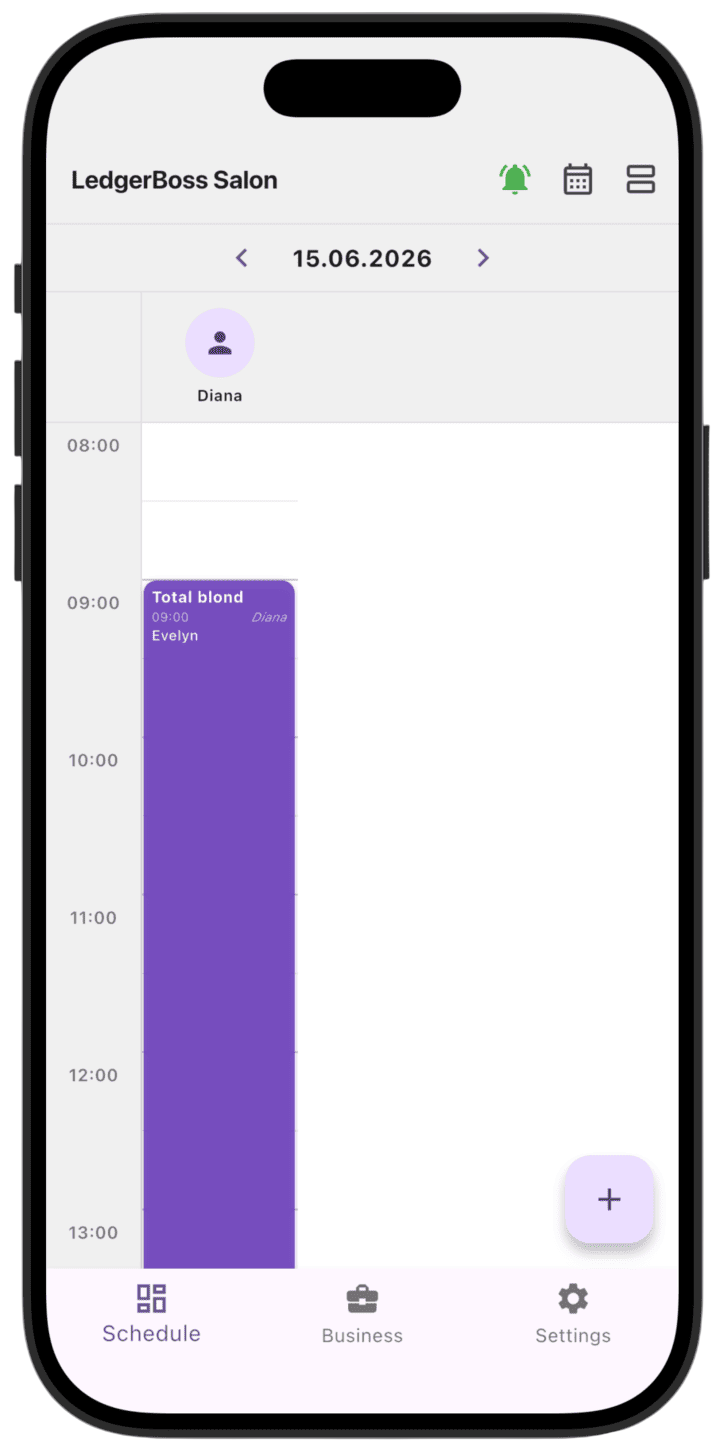
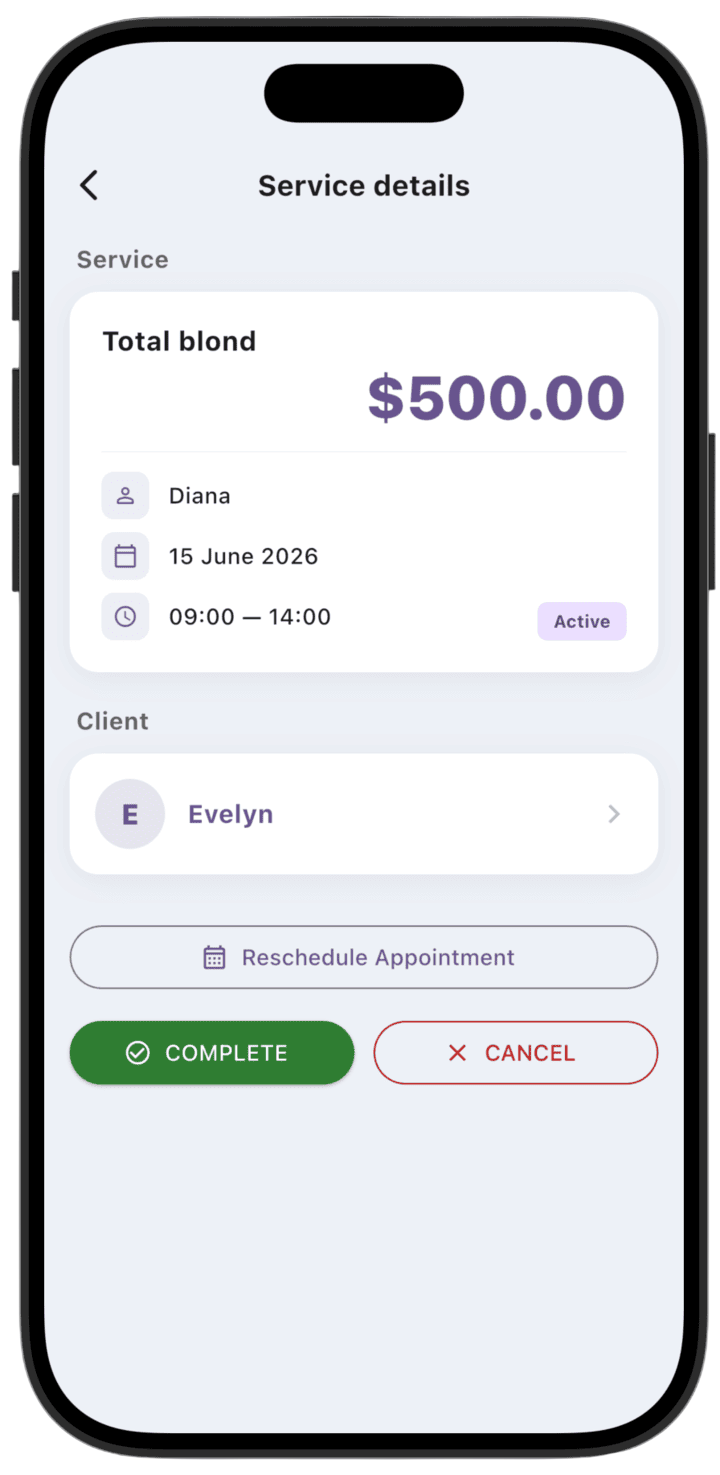
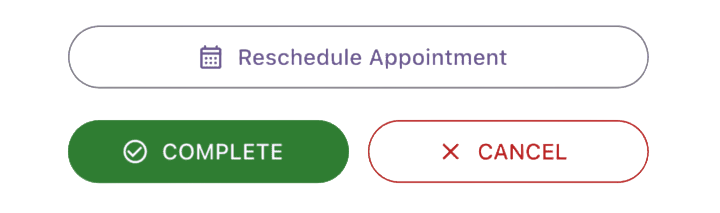
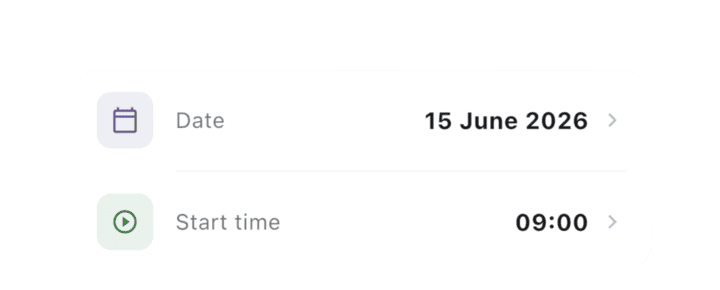
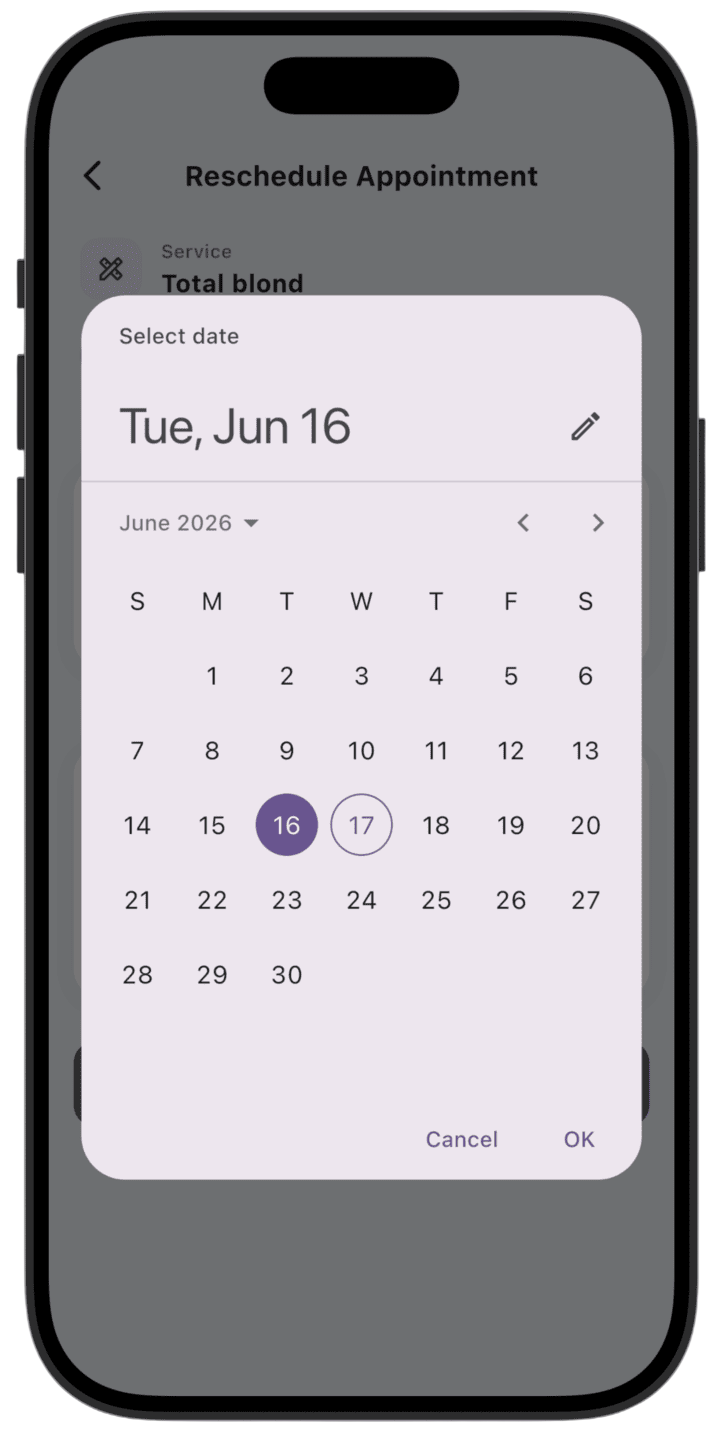
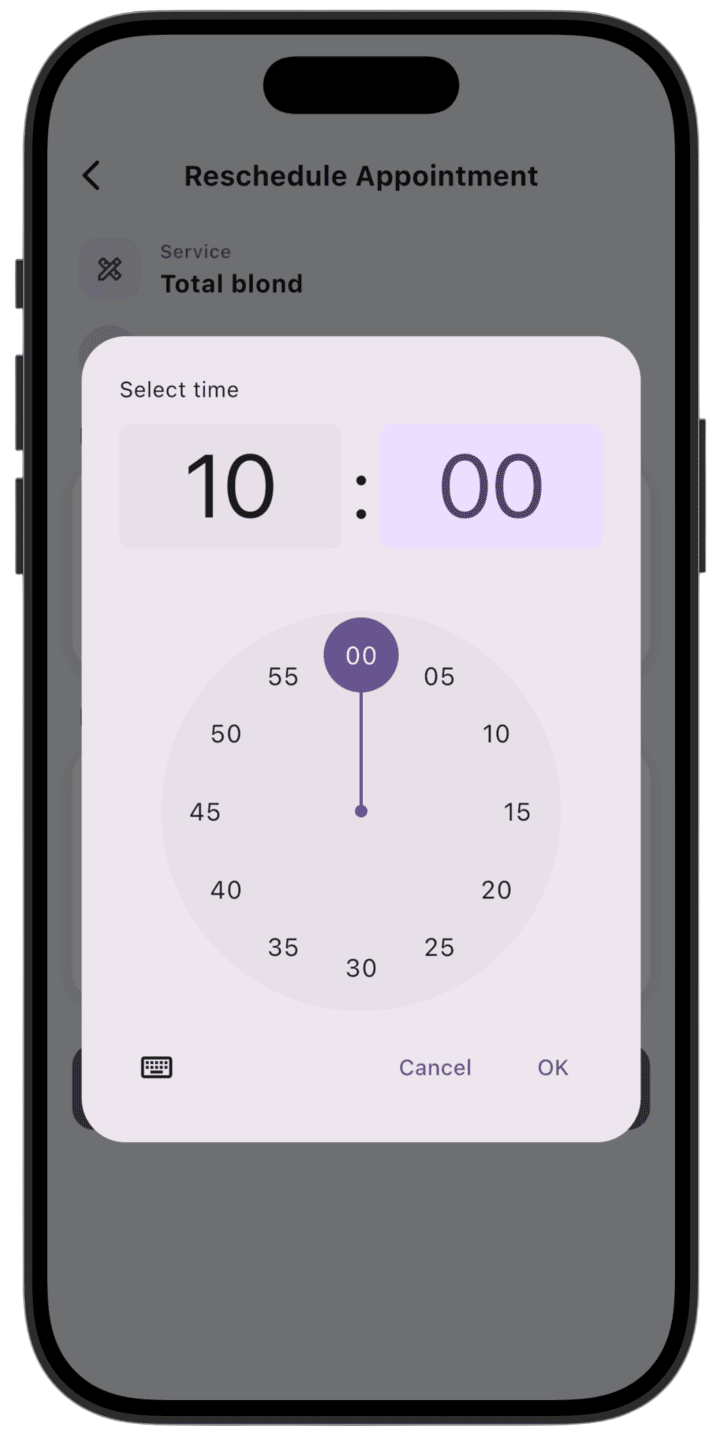
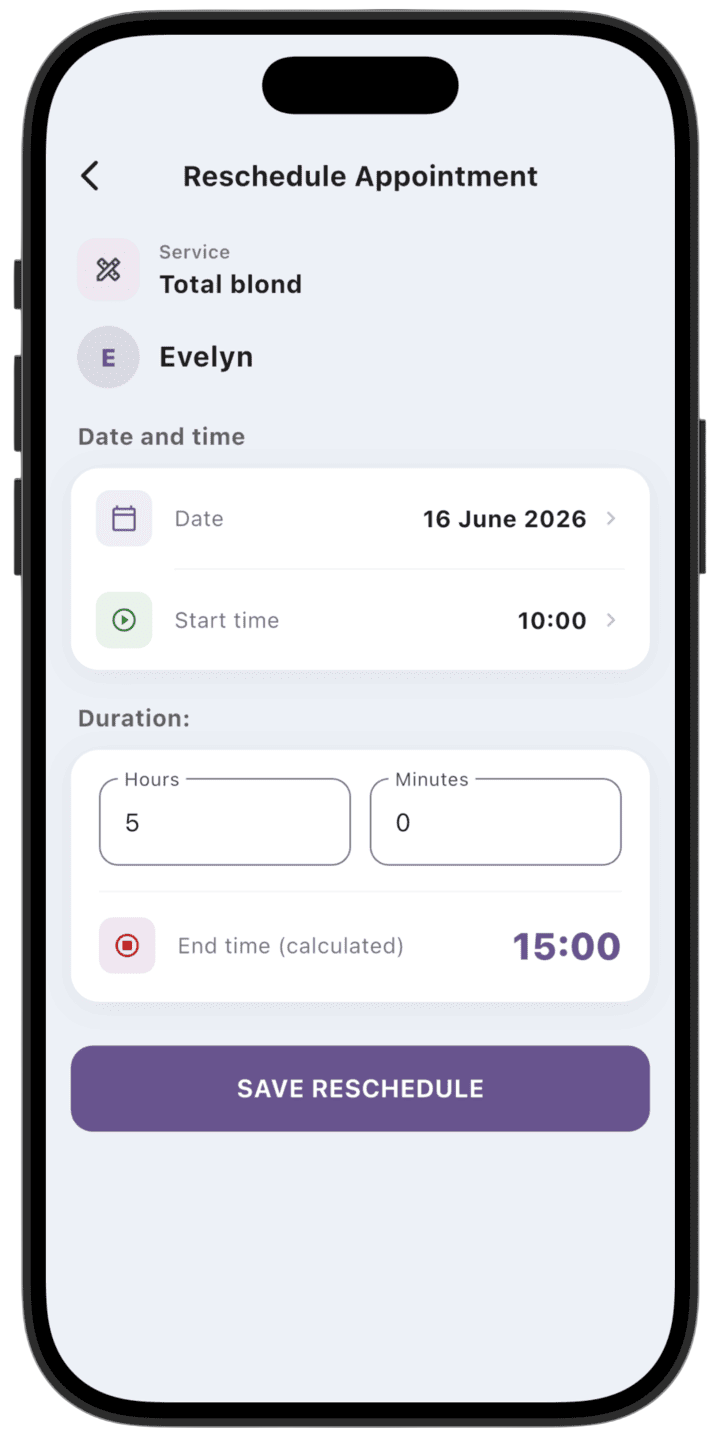
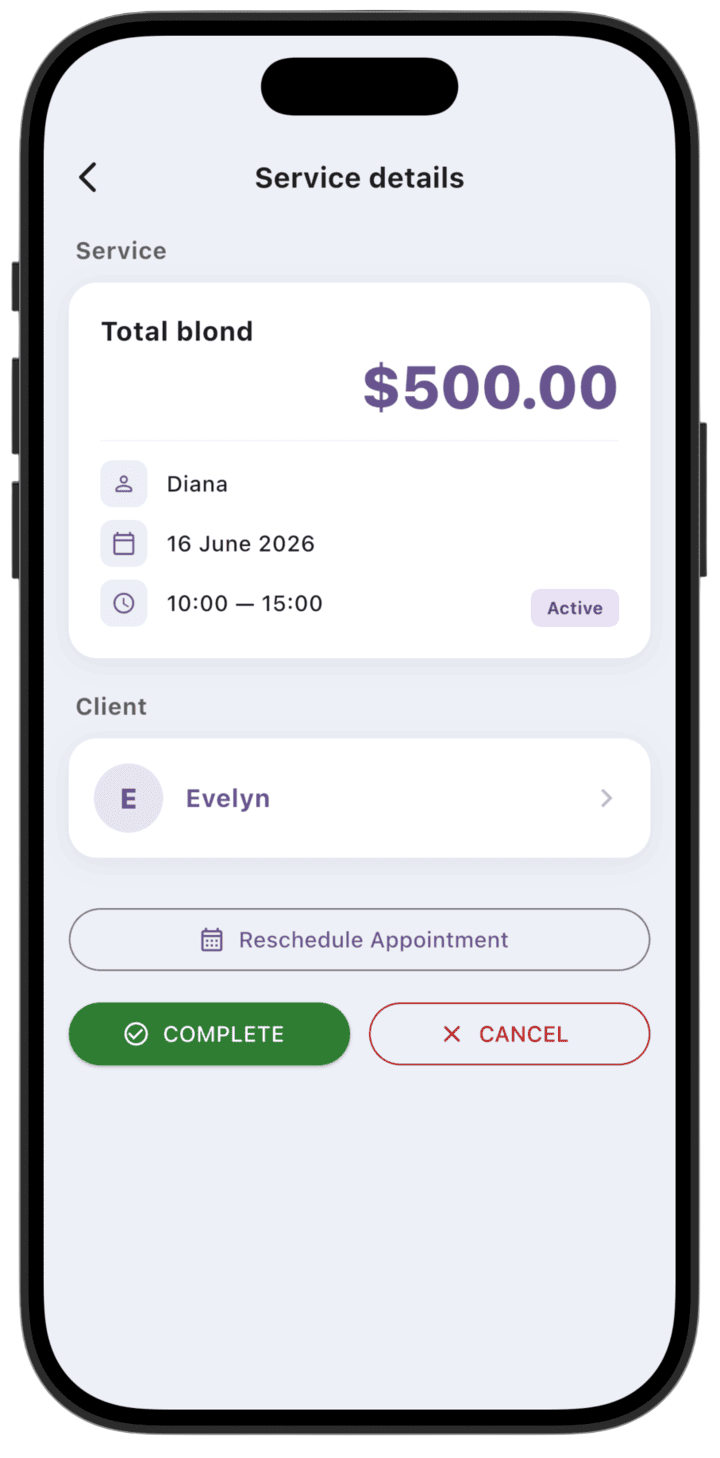
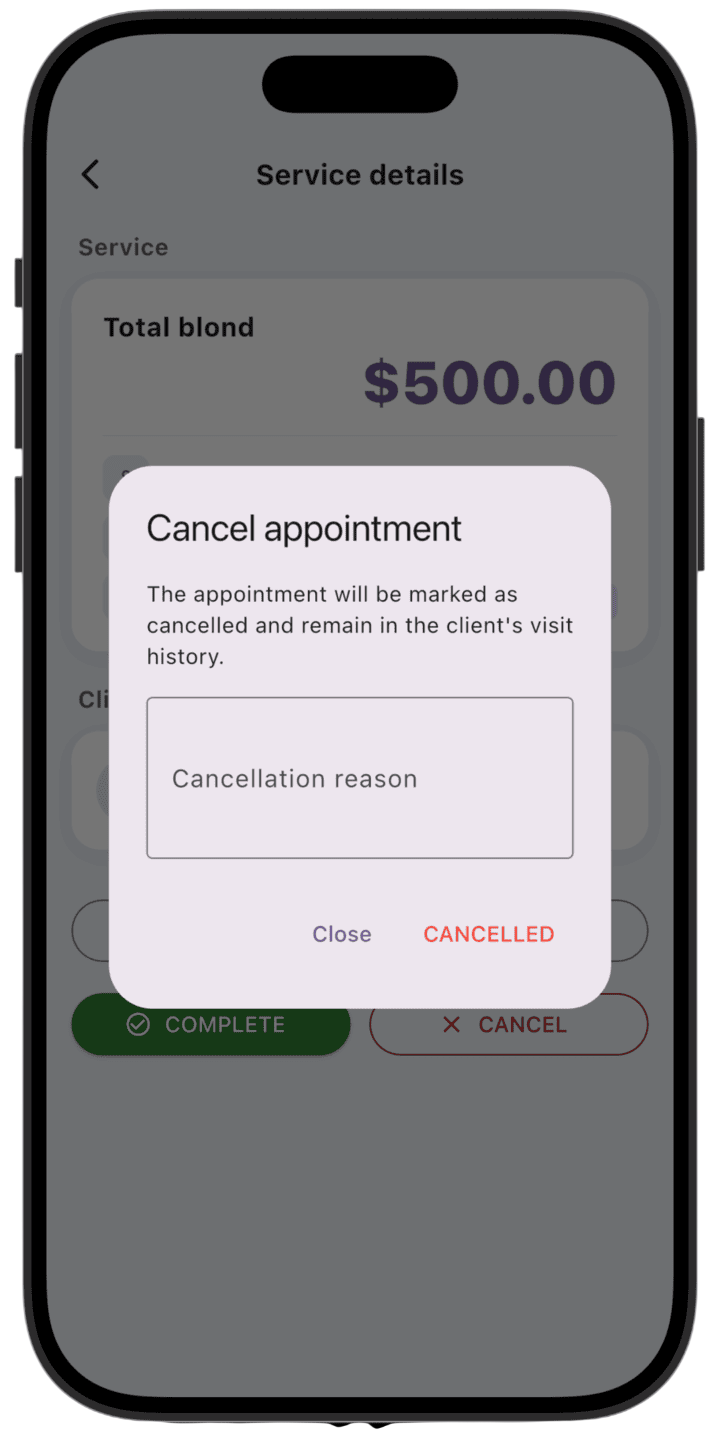
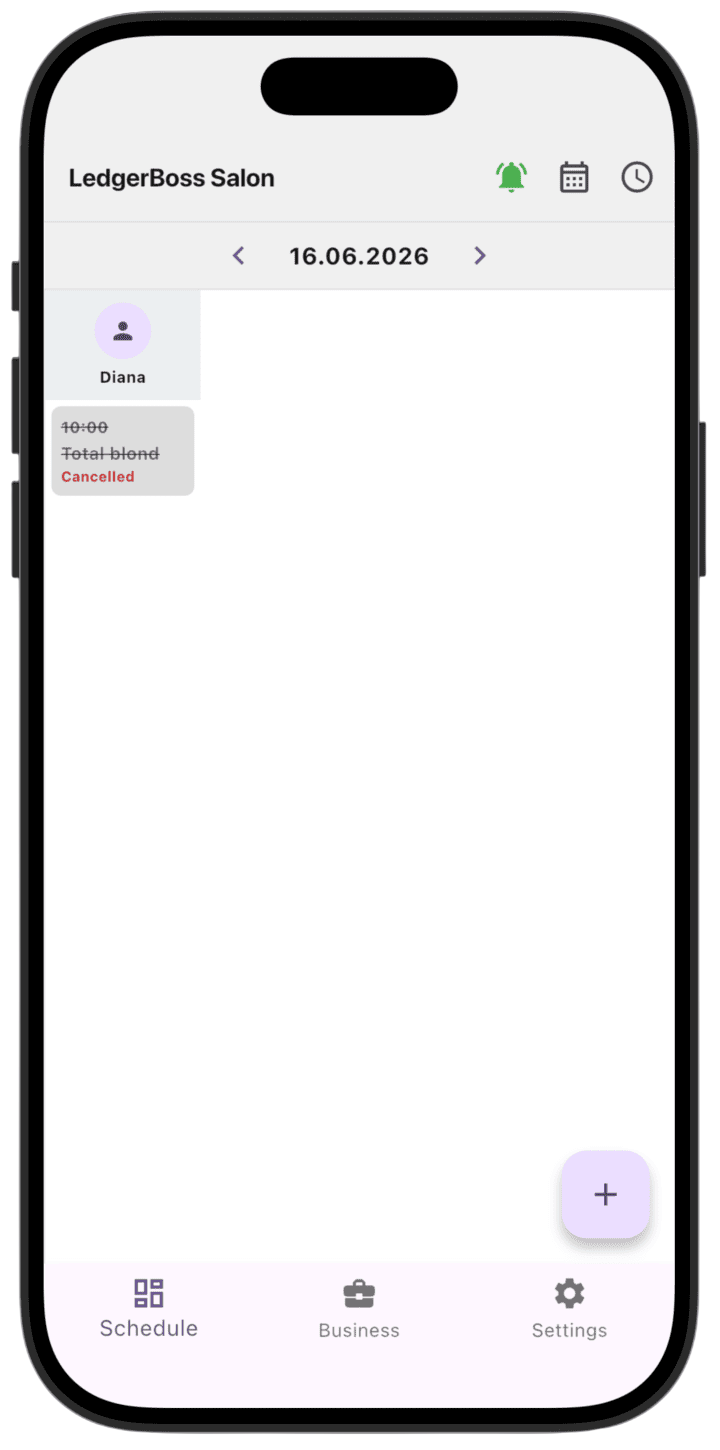
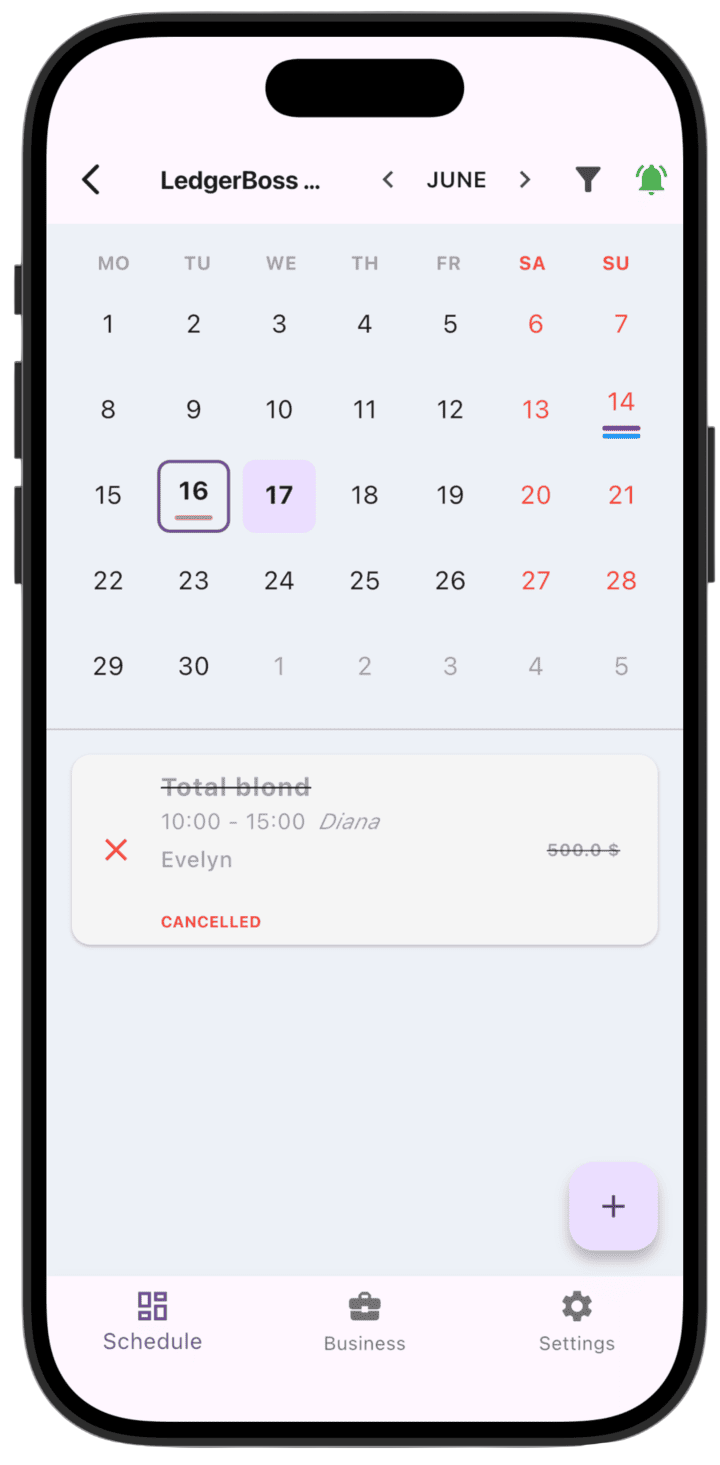
To change the appointment date/time, first open service details by tapping the service on the schedule.On the service details screen, tap **Reschedule Appointment** to change date/time.Complete service, reschedule date/time, and cancel service buttons.To change the date, tap the date; to change the time, tap the time.Select a new date for the service.Select a new time for the service.After changing date/time, tap **Save schedule**.To cancel the service, tap **Cancel**.Enter the reason for canceling the service.A canceled service gets the **Cancelled** status.On schedule views, a canceled service is shown in red.
Canceled services are not shown on the daily schedule.