

Create a service appointment
To create a service appointment for a client in LedgerBoss, follow these steps:
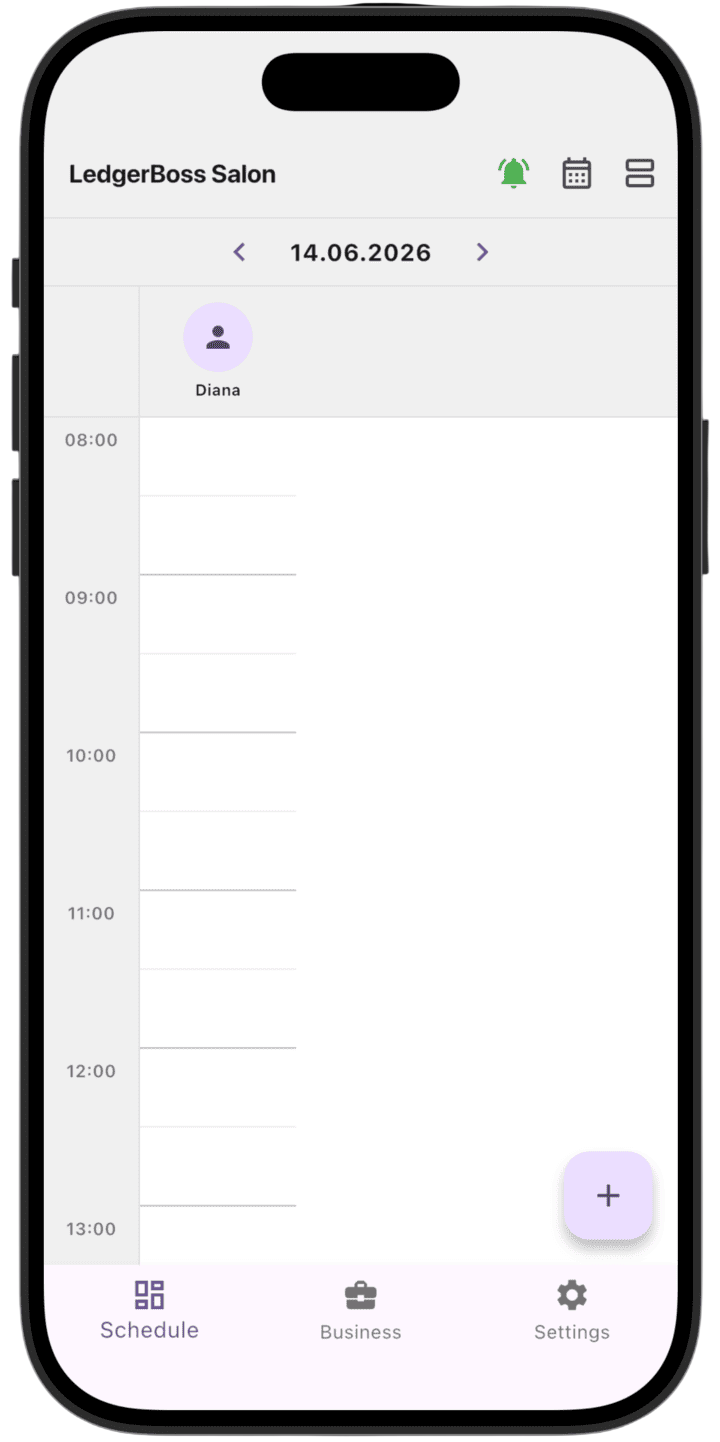
- Start creating the appointment: On the main schedule screen, tap the purple + button in the bottom-right corner.
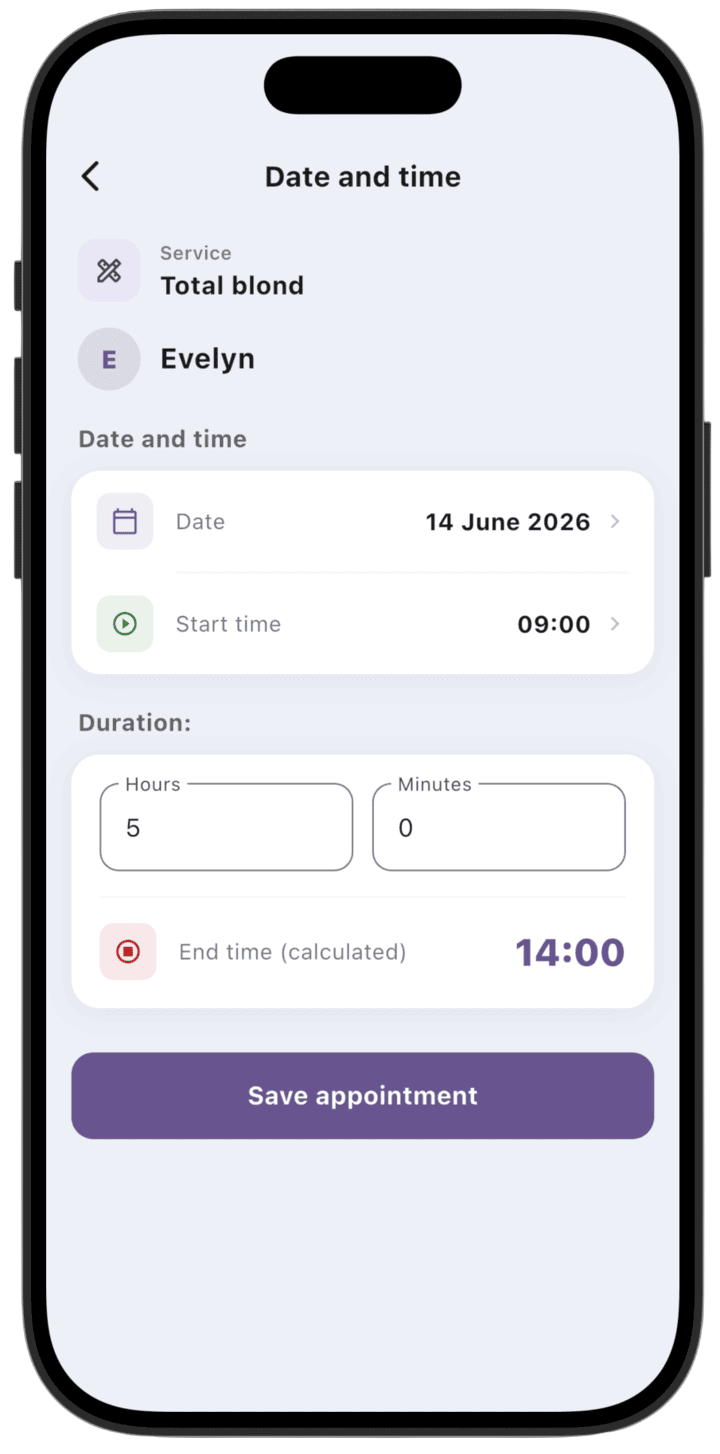
- Service start time: Enter the service start time.
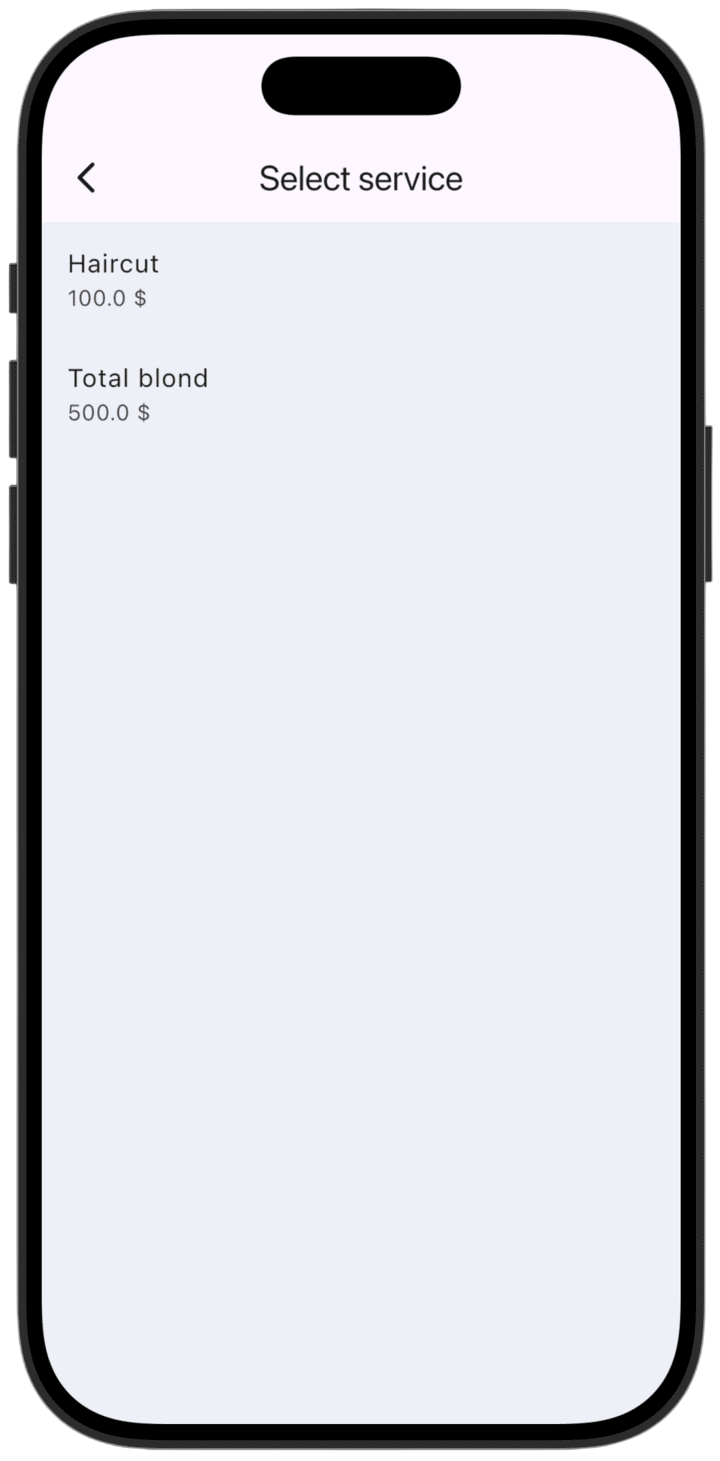
- Select a service: Choose the service you plan to provide from the list.
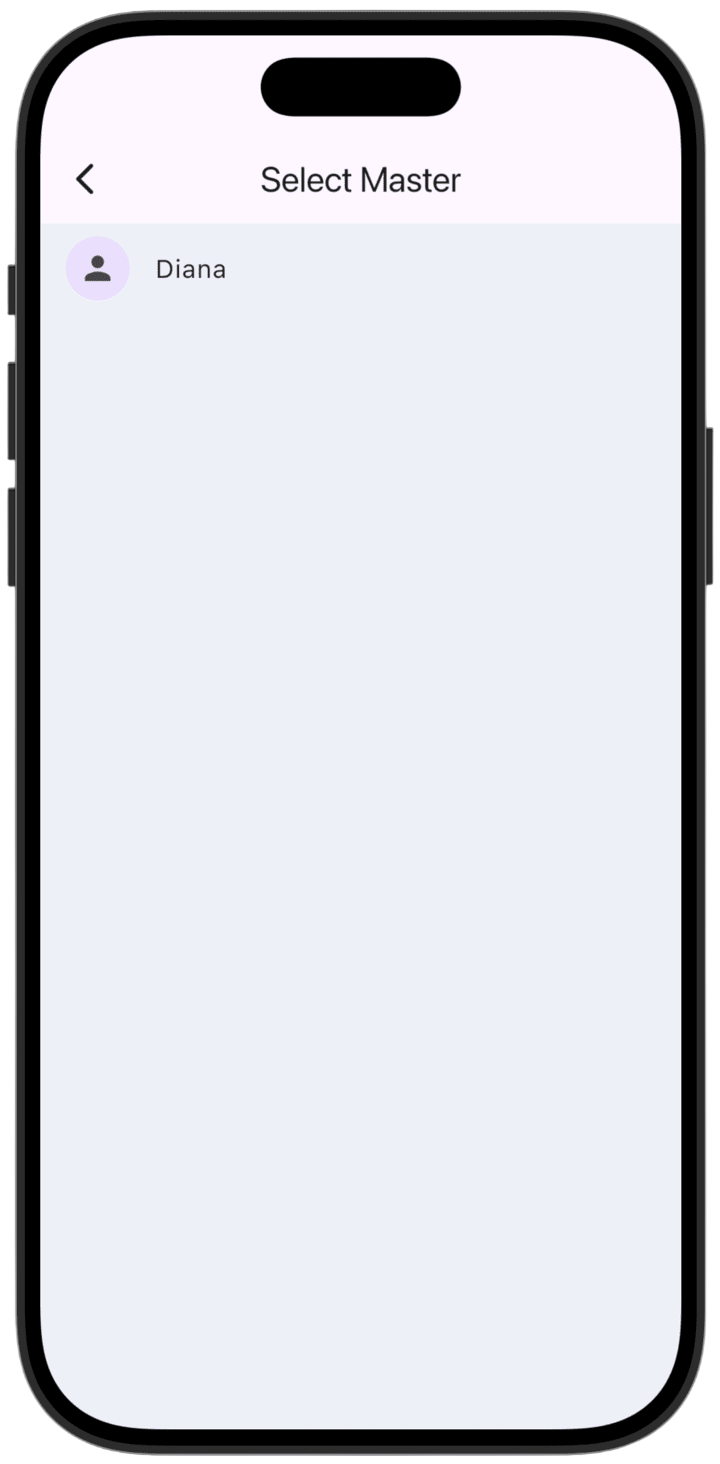
- Select a specialist: Choose the employee who will perform this service.
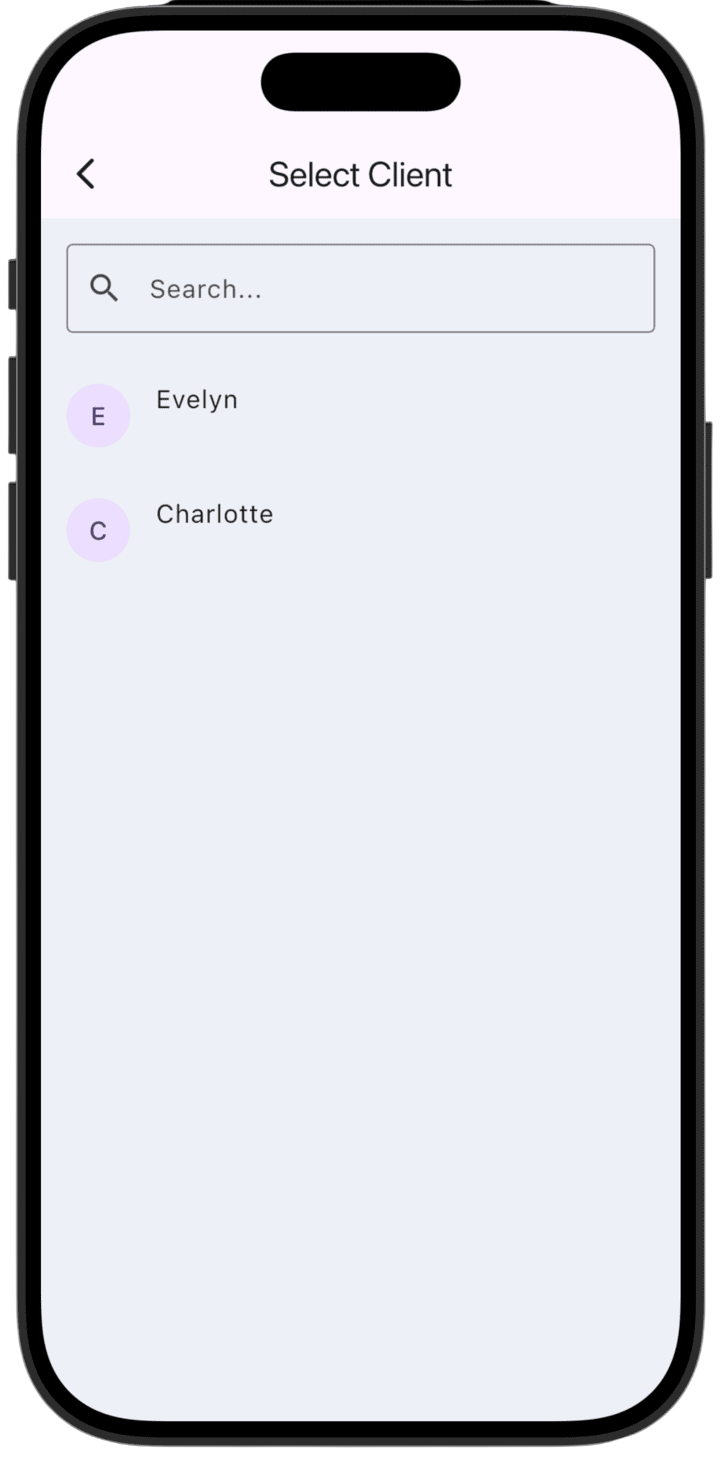
- Select a client: Pick the client from the list or use search to find them quickly.
-
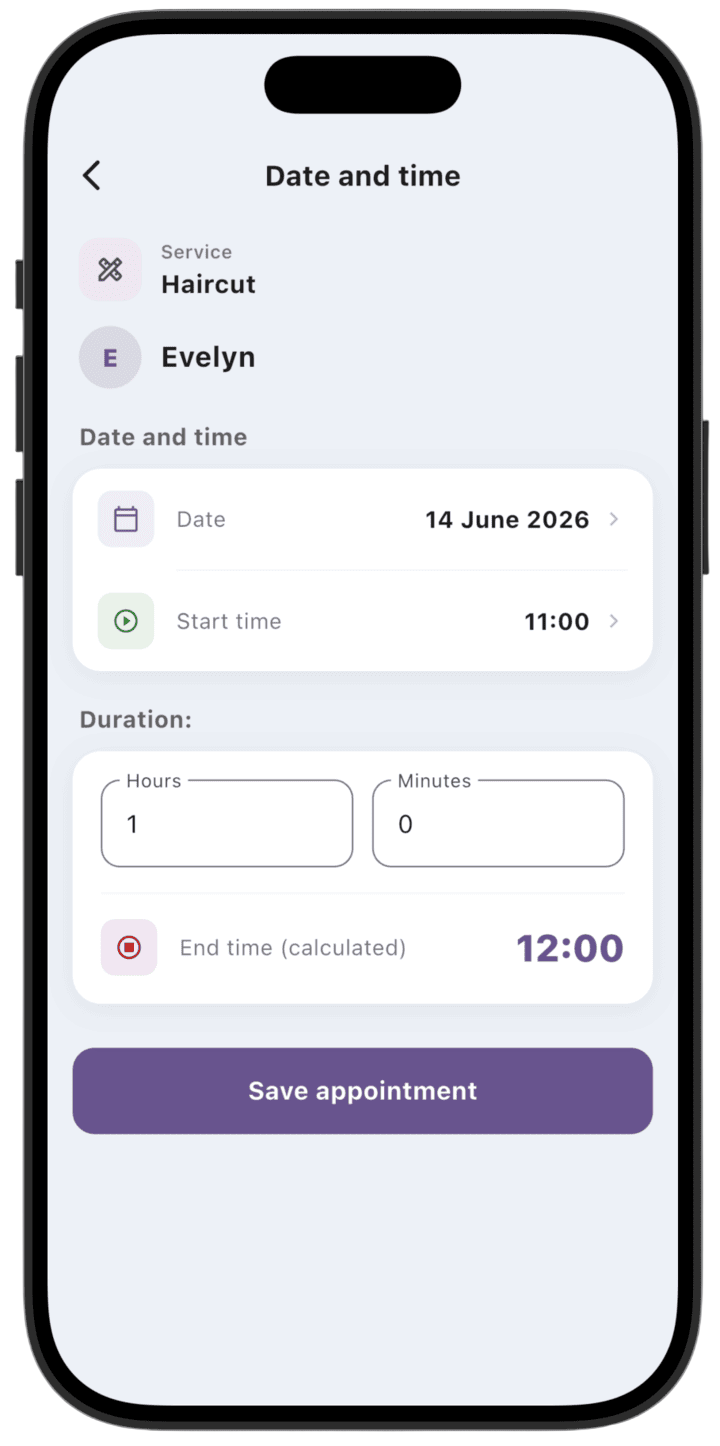
Set date and time:
Set the start date and exact start time.
- The system automatically calculates the end time from the service duration.
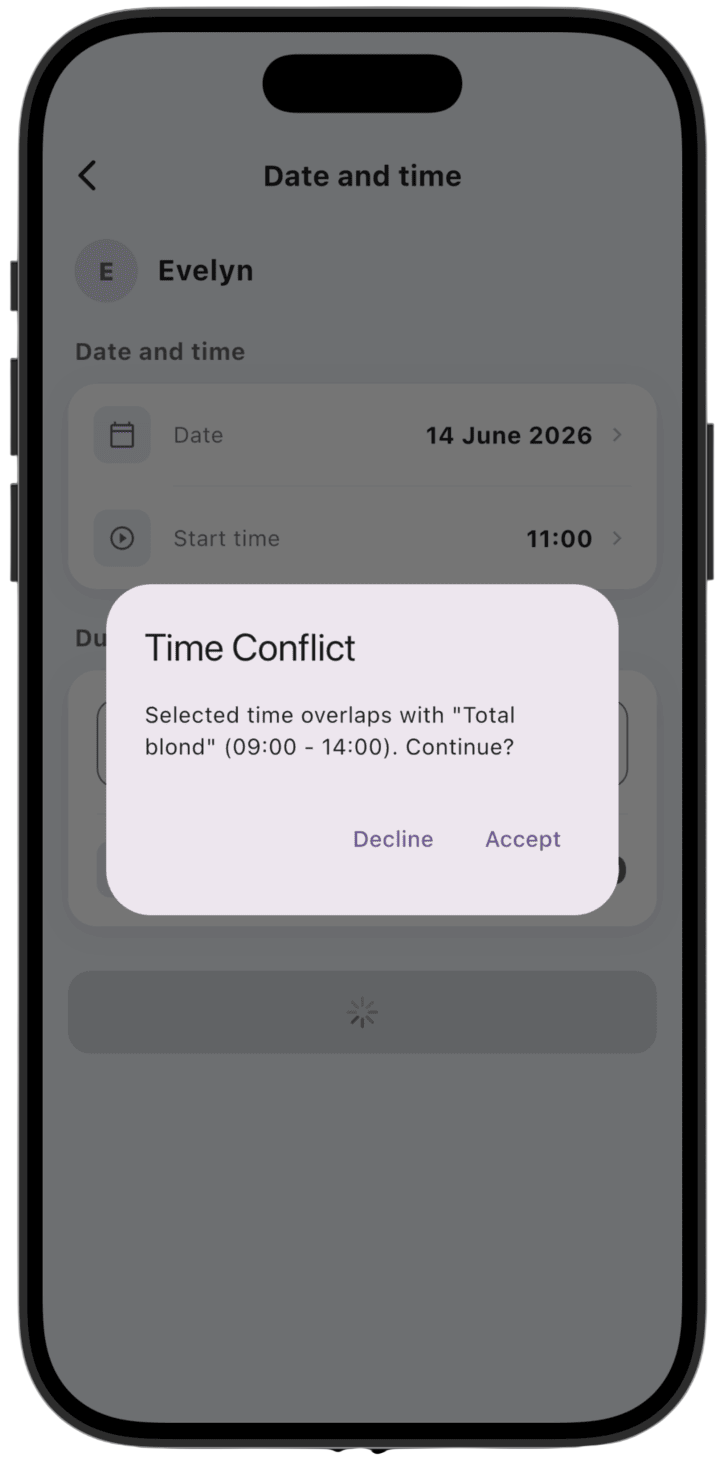
- If the chosen time overlaps another appointment, the system warns you about a Time Conflict.
- You can continue creating the appointment or choose another time.
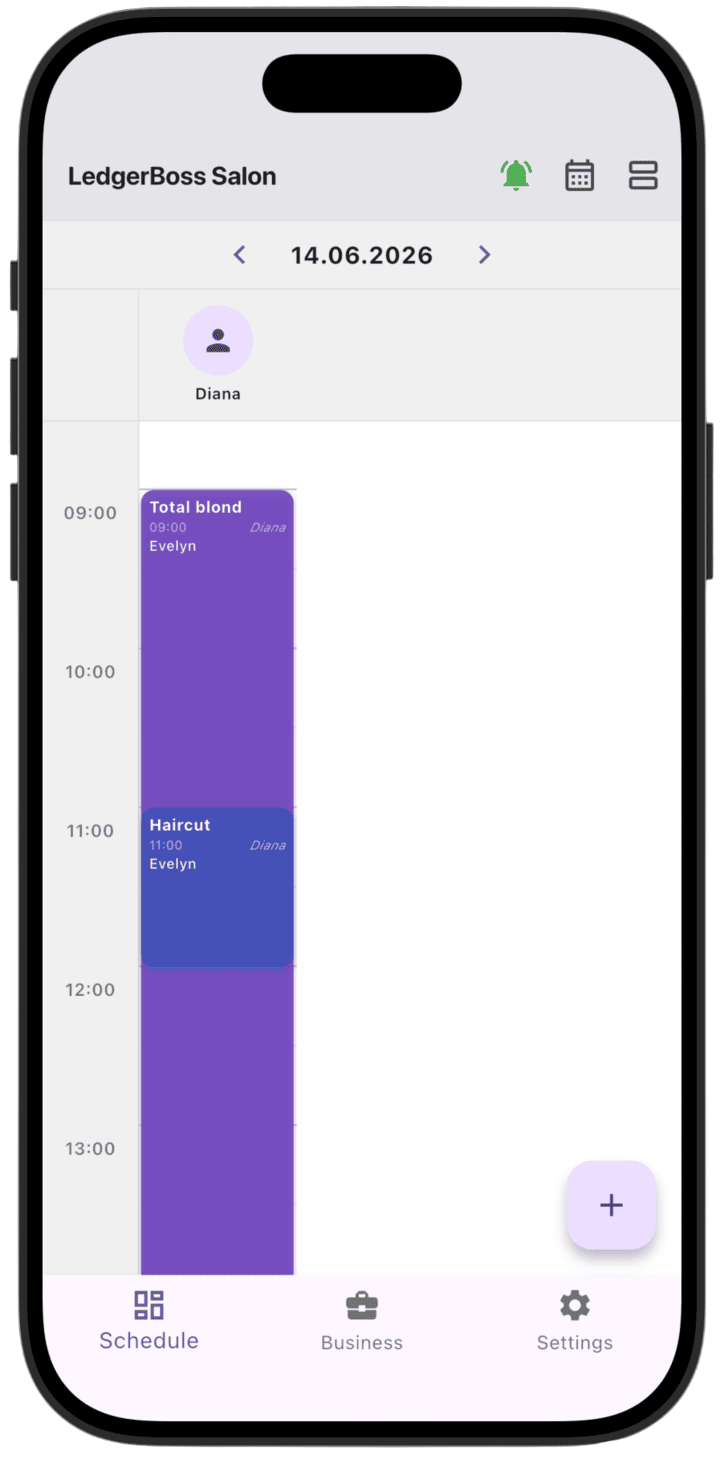
- Finish creation: After checking all details, tap Save appointment. The appointment appears in your schedule.
Created services appear on the daily calendar (**Daily view**).