
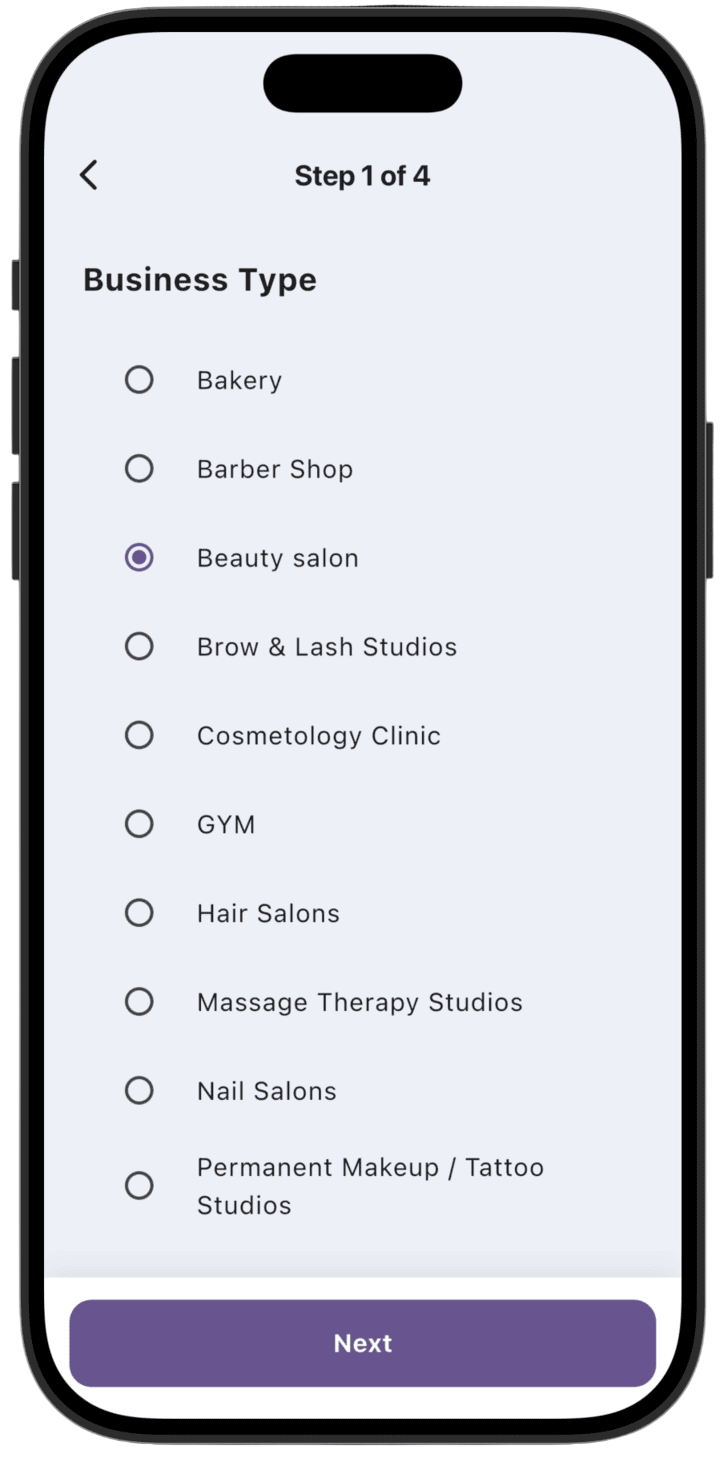
Step 1: Choose business type
- Select the appropriate type for your organization from the list (for example, "Beauty salon", "Bakery", or others).
- Tap Next to continue.
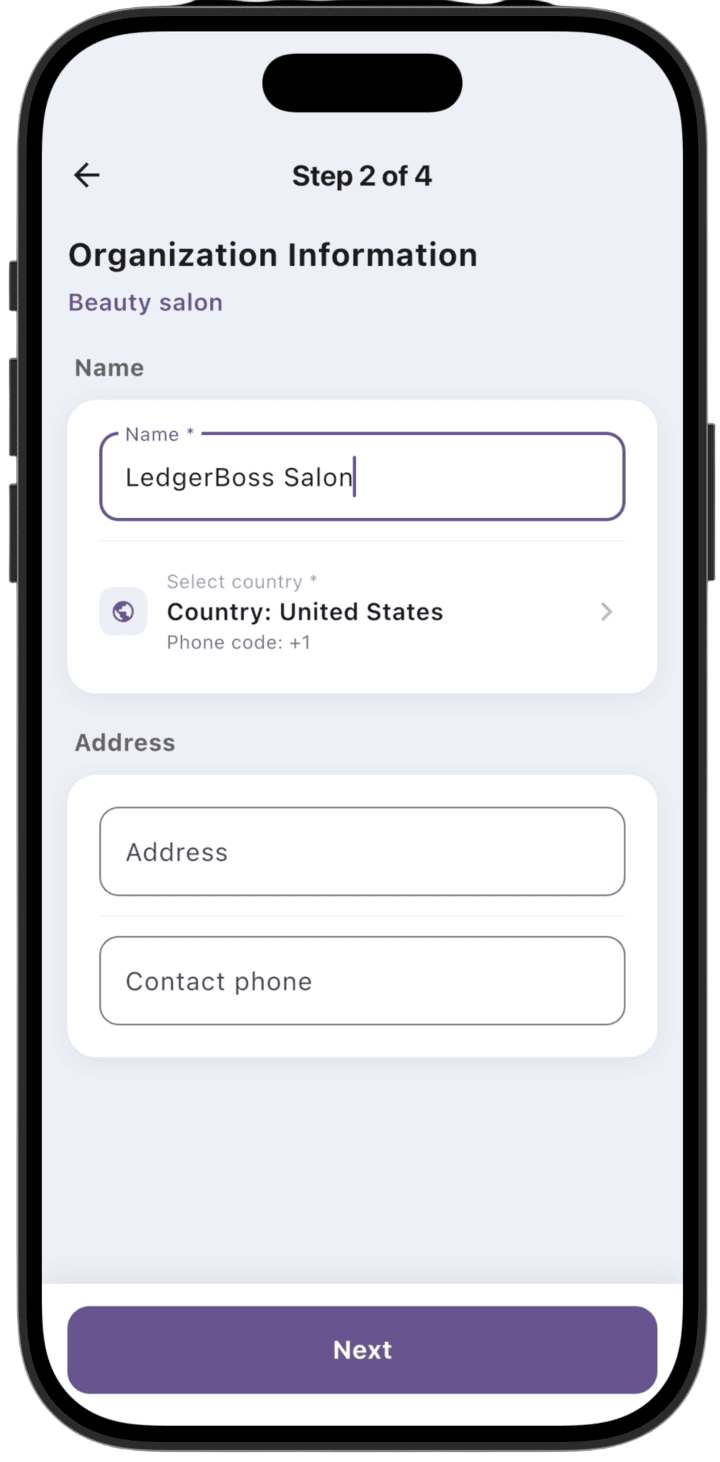
Step 2: Organization information
- In the Name field, enter your business name.
- Select a country in Select country — the phone country code will be set automatically.
- If needed, fill in Address and Contact phone.
- Tap Next.
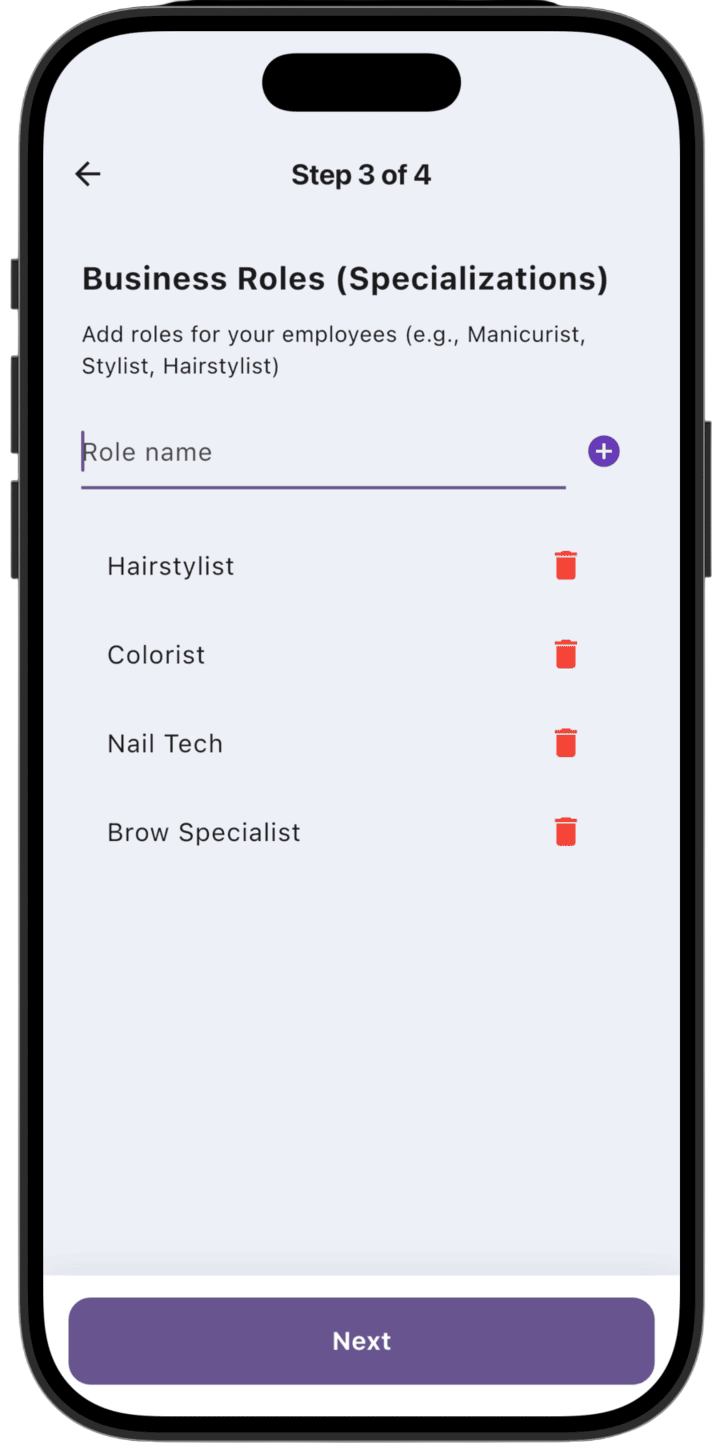
Step 3: Role setup
- Add work roles for your employees by entering a name in Role name and tapping +.
- You can delete created roles using the trash icon.
- Tap Next to go to the final step.
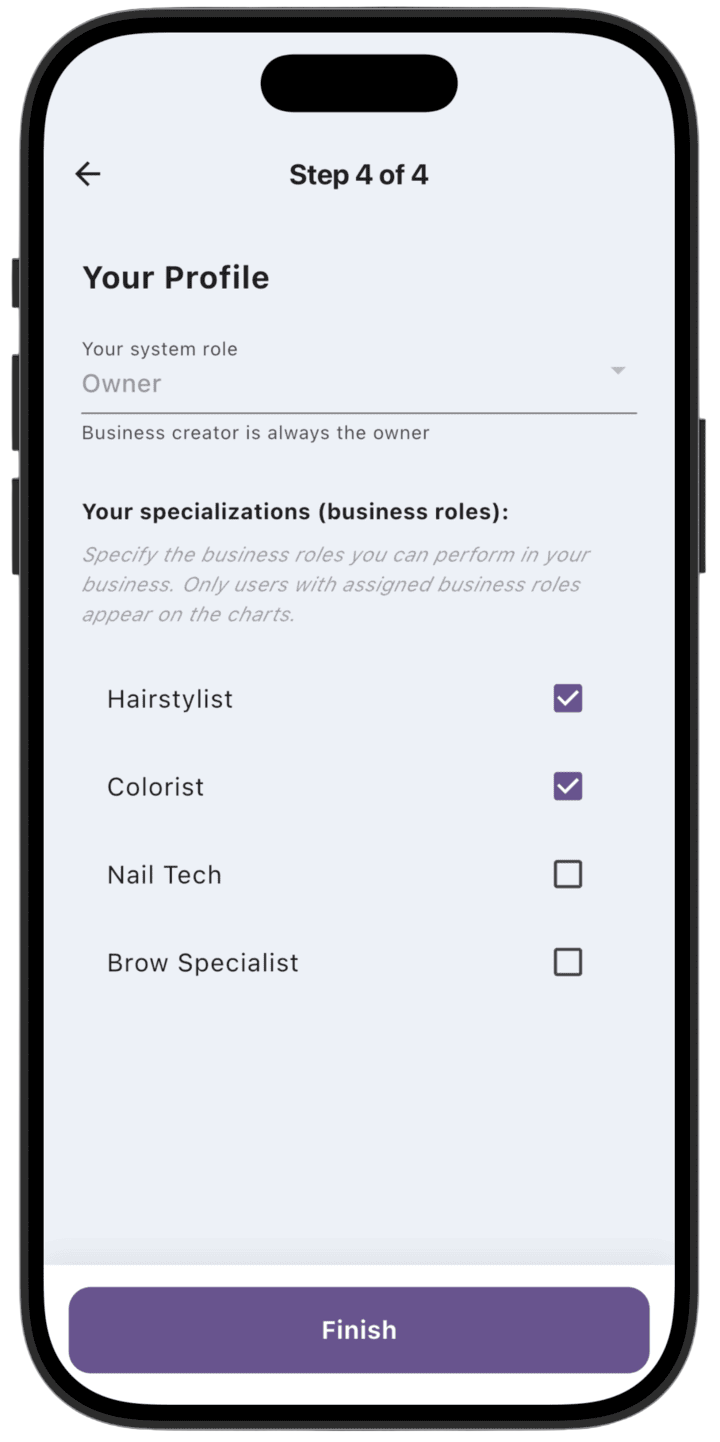
Step 4: Your profile
- Check your role in the system (the business creator is automatically assigned Owner).
- In Your specializations, check the roles you will perform in your business.
- Tap Finish to complete setup and start using the app.