
LedgerBoss uses a hierarchical structure of material groups and subgroups for warehouse accounting.
This helps structure items logically for quick search and reporting.
Purpose and use
Why create them: Grouping materials keeps the catalog tidy, simplifies warehouse navigation, and lets you analyze stock/consumption by category.
Where they are used:
Groups and subgroups are used when creating a material, as a filter in the material directory, and in the Materials in Stock report.
How to create
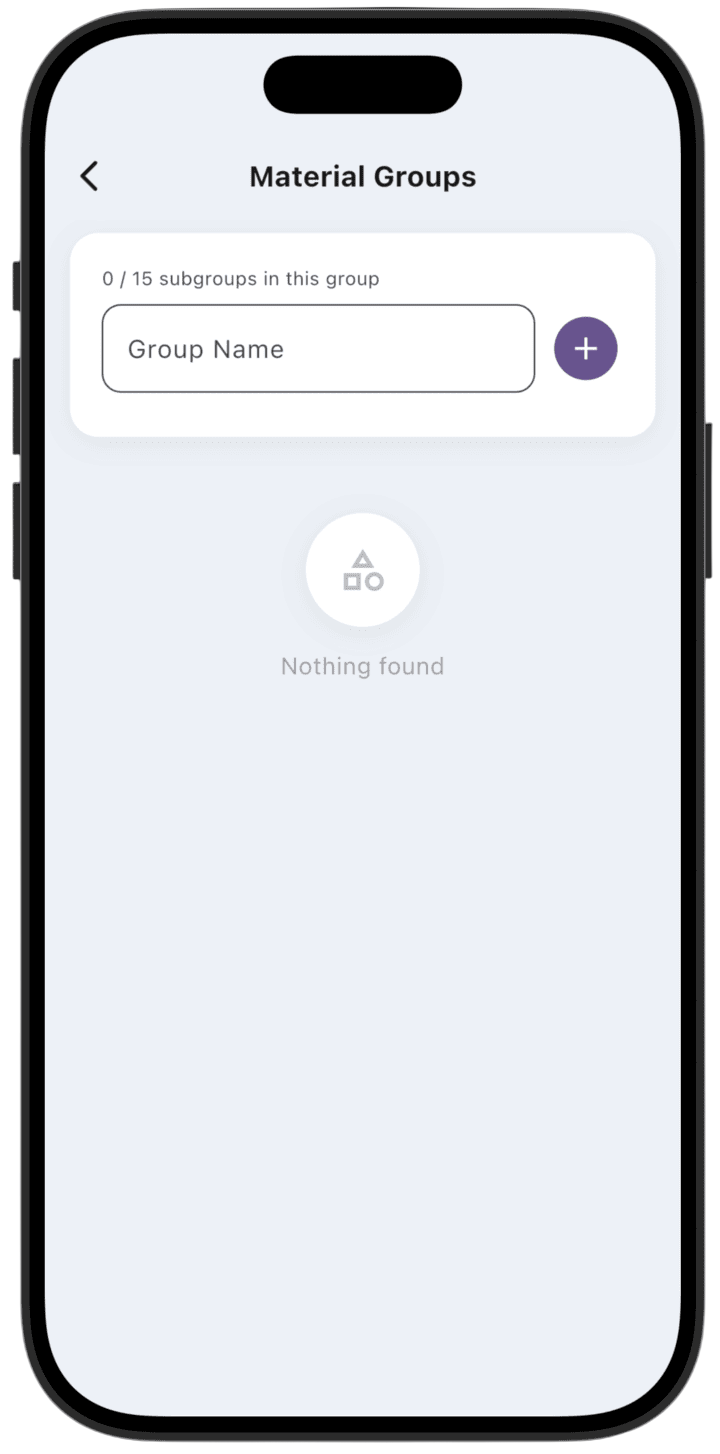
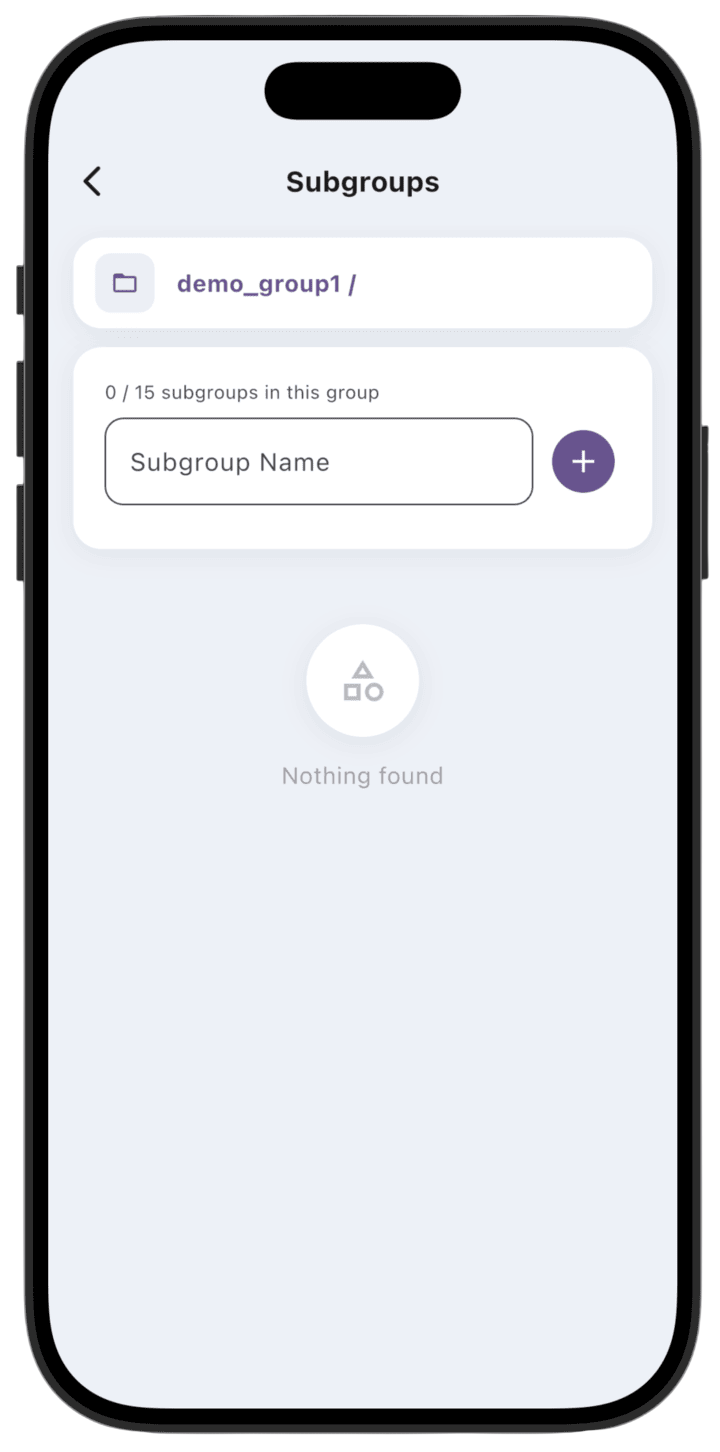
In Group Name, enter a name for a new group or subgroup. Tap + (purple button on the right). To create a material subgroup, tap an existing group, enter the subgroup name, and tap + (purple button on the right).
Limits
Structure limit: The system supports up to 3 nesting levels (Material groups 1, 2, and 3).
Quantity limit: The number of groups and subgroups depends on your plan.
Deletion rules
Deletion condition: A group can be deleted only if it is not assigned to any material.
Access: Create, edit, and delete operations for groups are available only to the business Owner.