
Getting started in LedgerBoss
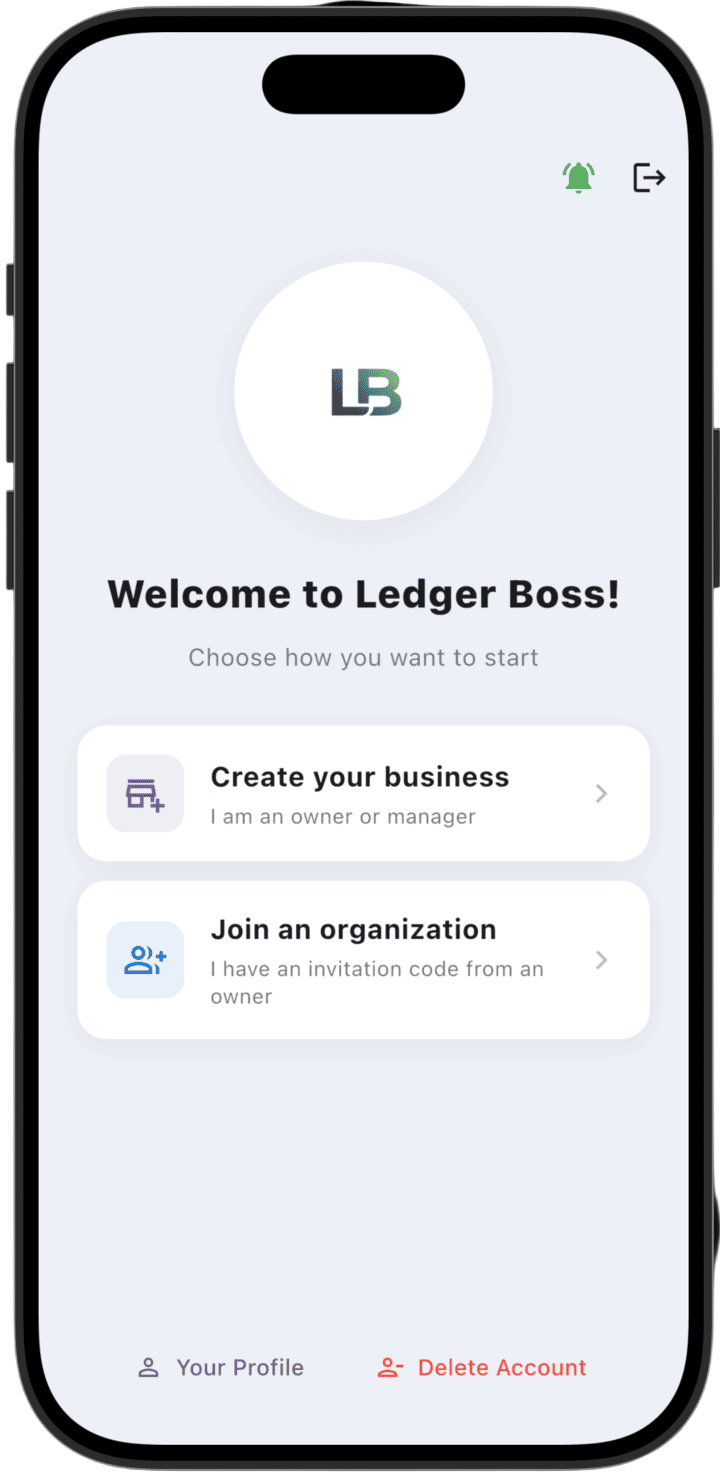
After your first sign-in, choose how you want to use the app:
- Create your business: Choose this option if you are an owner or manager to set up a new organization and start tracking business processes.
- Join an organization: Choose this option if you received an invite code from the owner of an existing business. You will need to enter that code to access the organization's data.
Additional actions are also available at the bottom of the screen:
- Your Profile: Go to personal data and account settings.
- Delete Account: Permanently delete your account from the system.
In the top-right corner you can find notifications (bell icon) or sign out (sign-out icon).