
Step-by-step instructions for creating a new supplier profile are below.
Working with suppliers
Go to the directory:
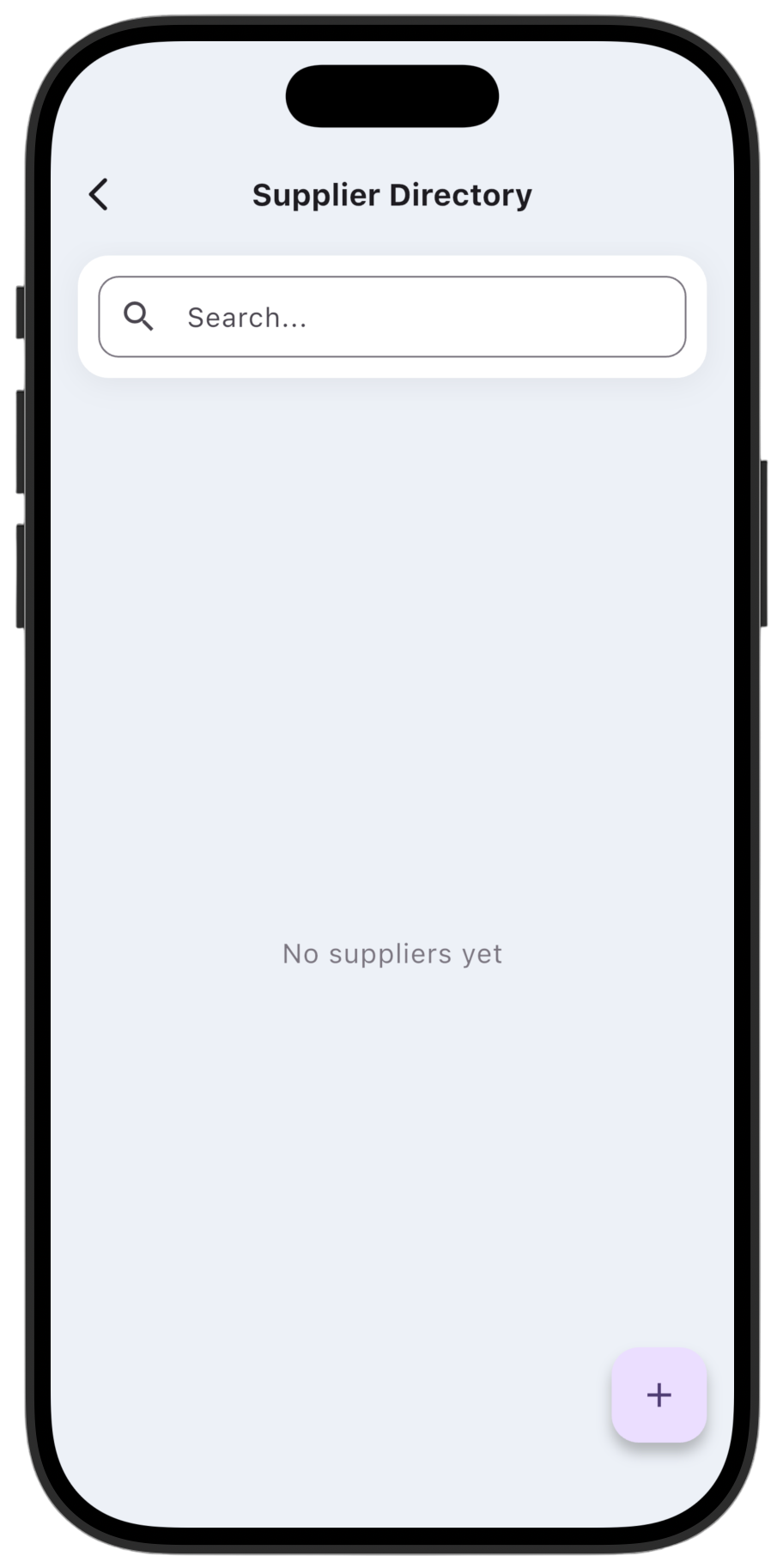
Open Supplier Directory. You can search existing suppliers or browse the current list.
Adding a new supplier:
Tap the + button in the bottom-right corner to open the creation form.
Fill in data:
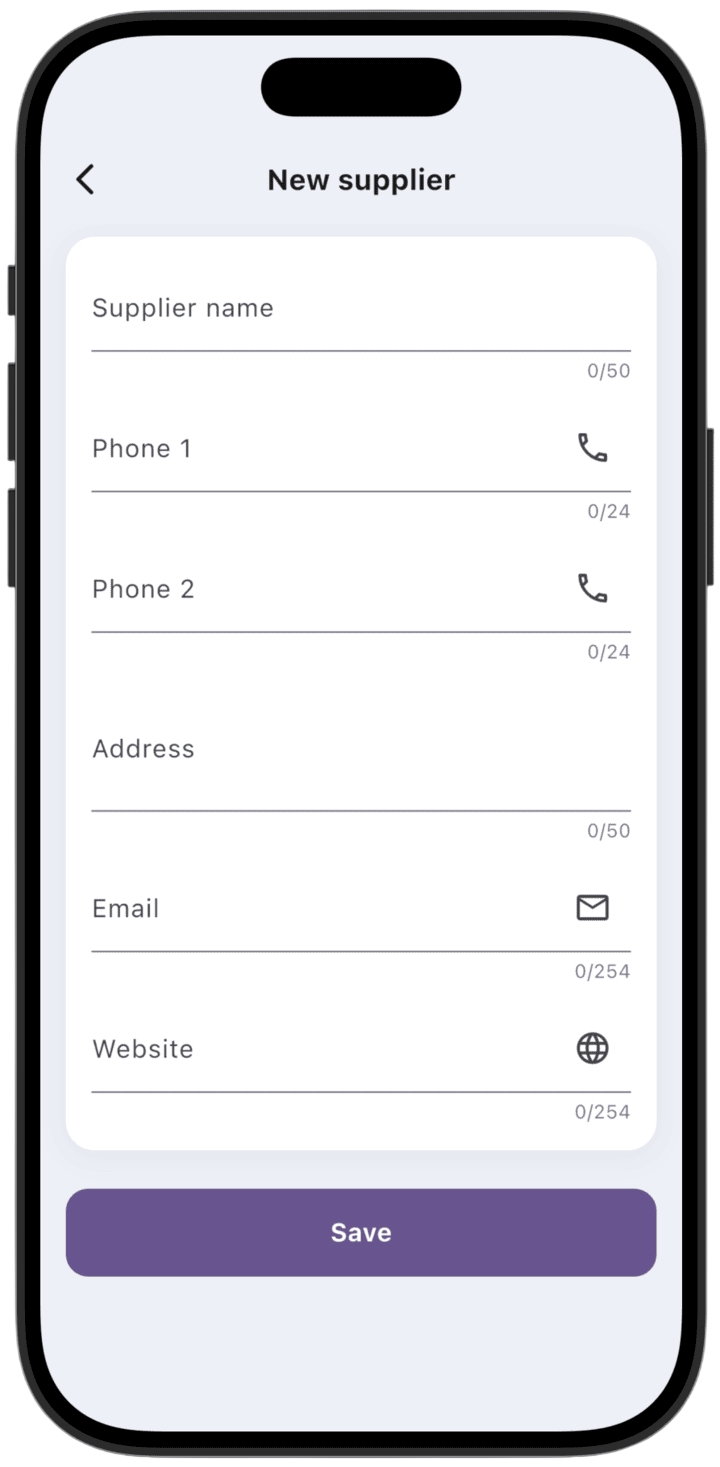
In the New supplier window, enter current counterparty information:
Supplier name: company name (up to 50 characters).
Contact details: up to two phone numbers (Phone 1, Phone 2), email (Email), and website (Website).
Address: legal or physical address of the supplier.
Save:
After filling in the required fields, tap Save at the bottom of the screen to save the supplier profile.
Only the business Owner can create or delete suppliers.
You can delete a supplier using the trash icon at the top of the screen.