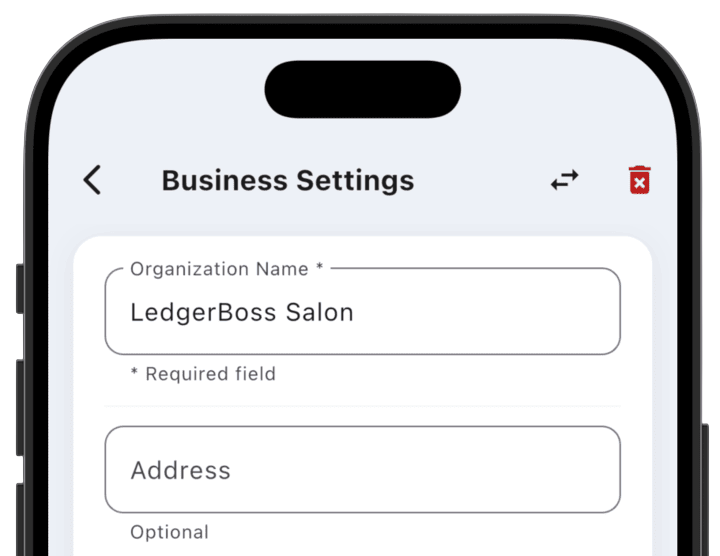
At the top of the settings screen there are two critical organization management functions:
Transfer business (exchange icon ↔):
- This function lets you start transferring business ownership to another system user.
- Important requirement: before transferring rights, you must create an employee in the system with the Owner system role. The business can only be transferred to a user who already has this system role.
- Note: according to access rules, only the business creator can delete the business; by transferring the business, you transfer the right to delete it.
Delete business (trash icon 🗑):
- This function completely removes the business from LedgerBoss.
- Warning: the right to delete a business is an exclusive Owner privilege. Other roles (Admin, Accountant, Employee) do not have access to this operation. Using this function will irreversibly delete data associated with the organization. To delete a business, you must enter a verification code.