
Deleting a business
This feature permanently removes an organization from LedgerBoss together with all related data: directories, employees, clients, inventory, service history, sales, expenses, and reports.
Who can delete a business
- Only a user with the Owner system role who created the organization.
- Admin, Accountant, and Employee roles do not have access to this operation.
Where to find it
- Open Settings in the bottom menu.
- Go to the settings of the business you want to delete (Business settings).
- Make sure you are working in the business you want to remove. If another business is active, switch to the correct one in settings.
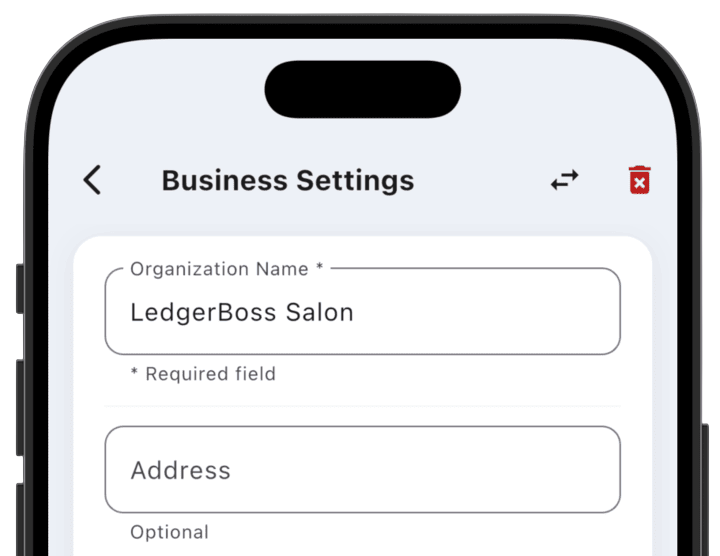
- Tap the trash icon in the top bar.
How to delete
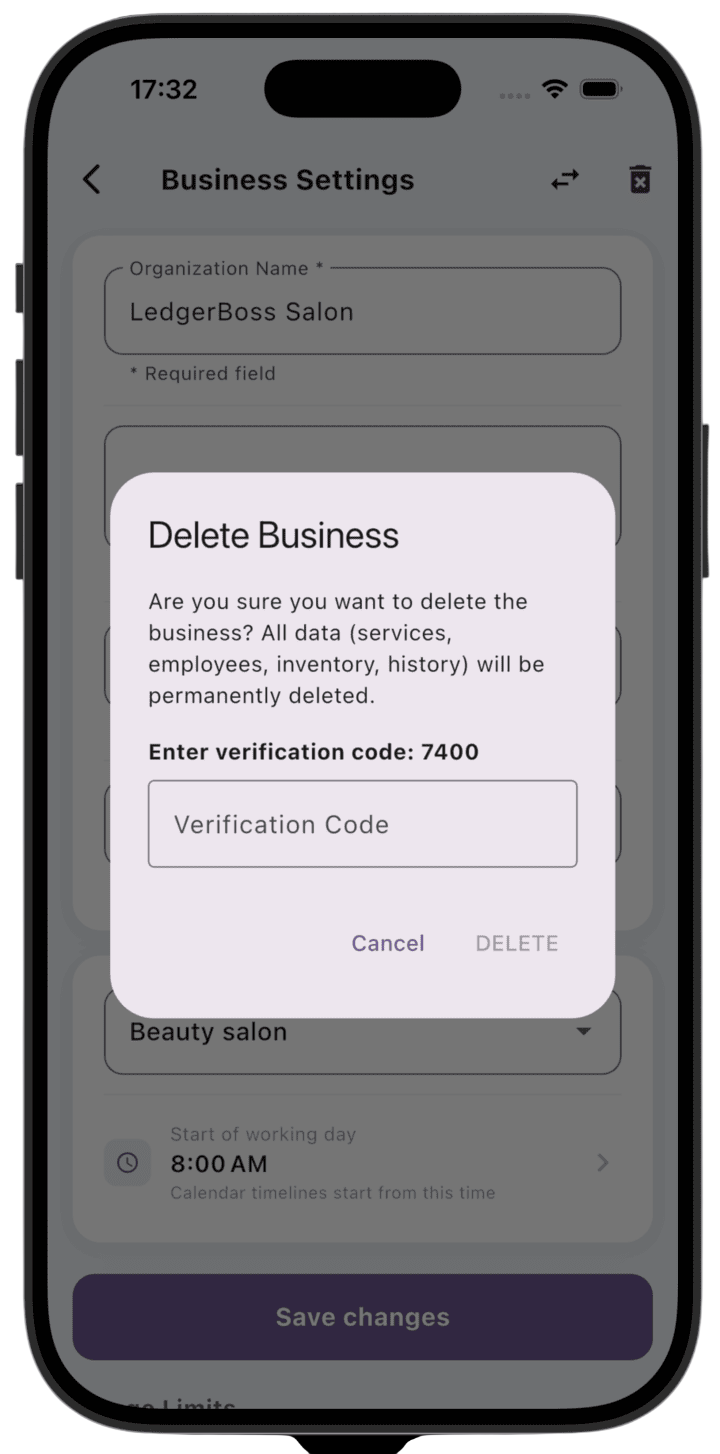
- Confirm that you want to delete the business in the dialog.
- Enter the four-digit verification code shown on screen.
- Tap the delete button.
After confirmation, deletion runs in the background. You can keep using the app while the system finishes cleaning up data.
Important: business deletion is irreversible. Organization data cannot be restored after the operation completes. If you plan to delete your user account, delete all businesses you own first.