
Cash Flow report
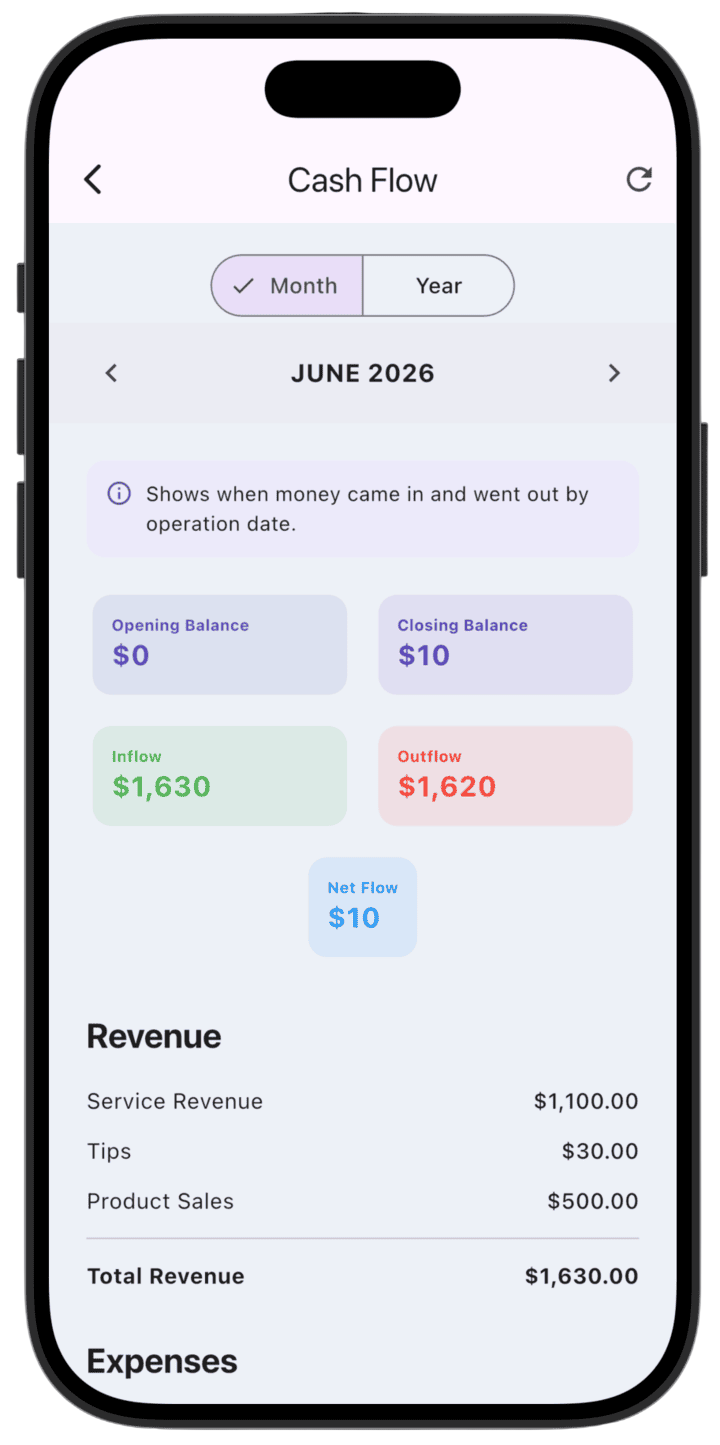
The Cash Flow report shows actual movement of money in your business — when cash came in and when it went out — based on transaction date.
What the report shows
- Balances: Opening Balance and Closing Balance for the selected period.
- Cash movement: Total Inflow and Outflow, plus Net Flow.
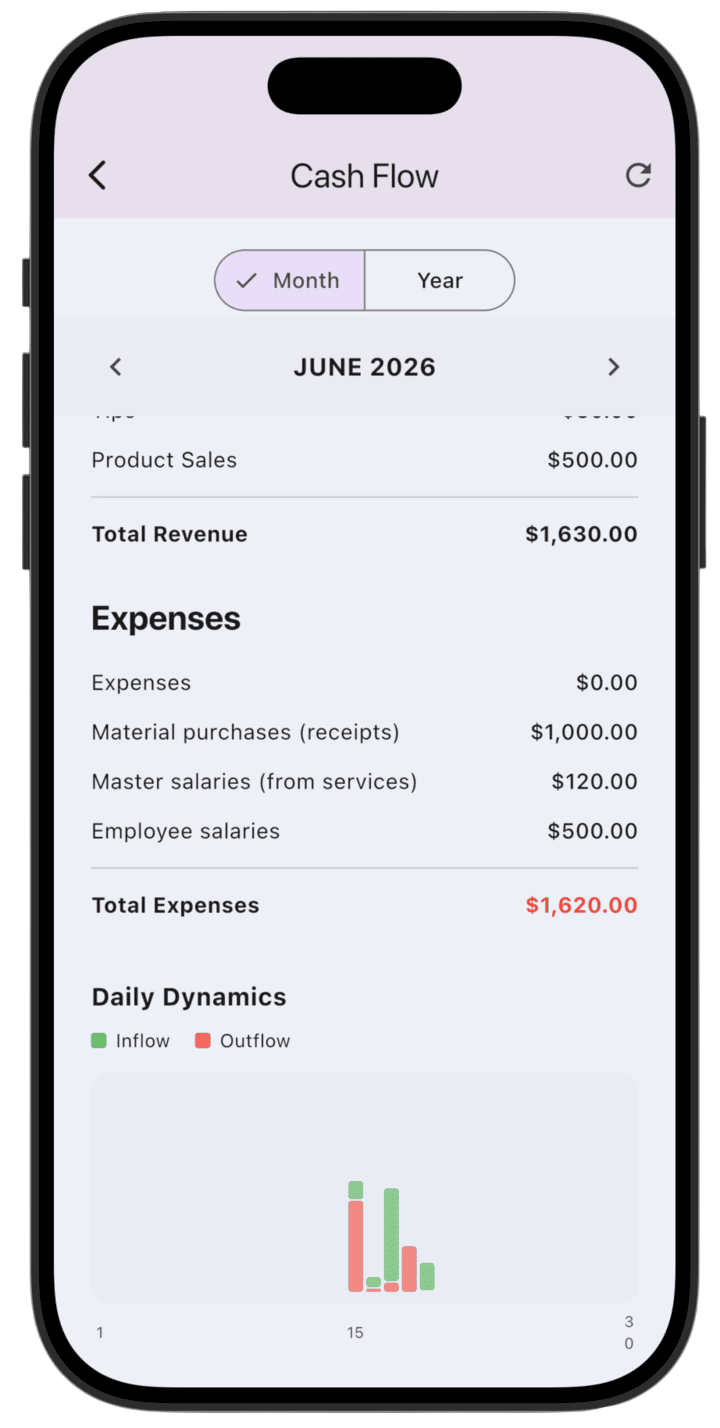
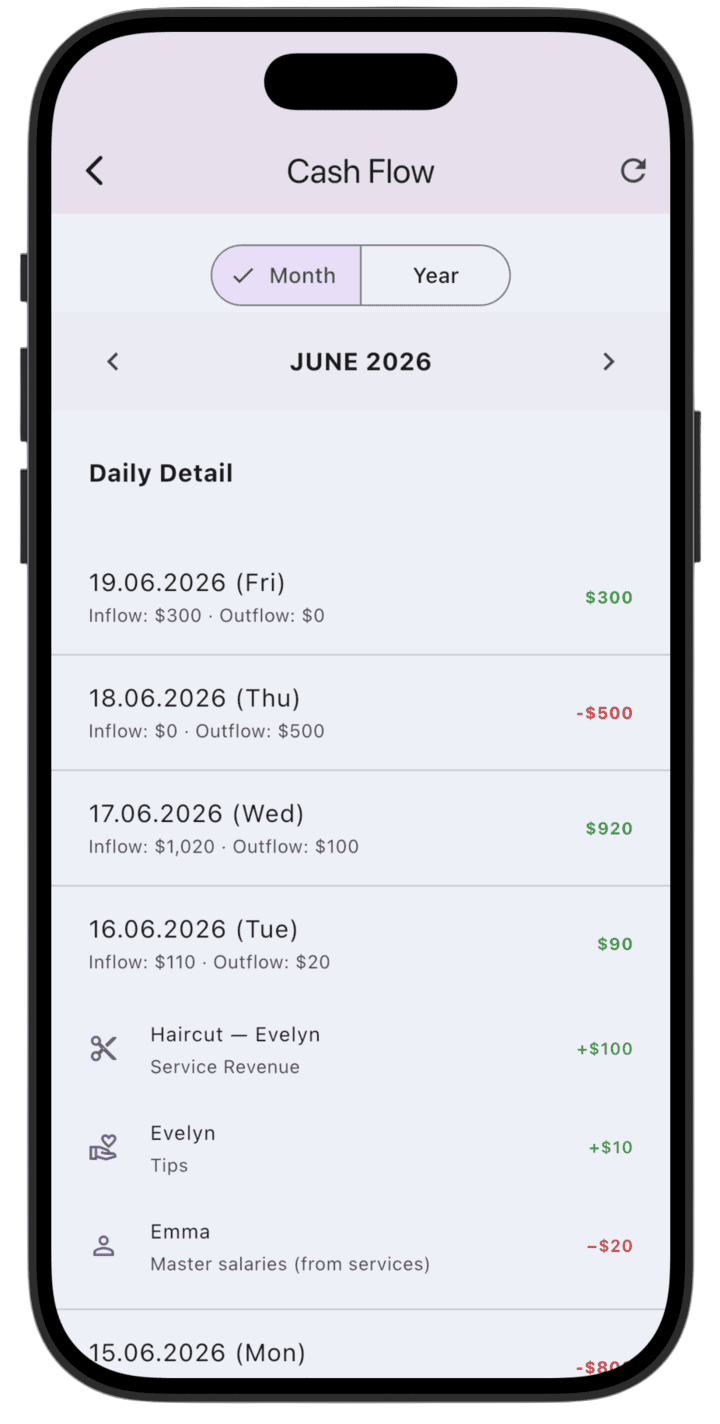
- Trends and detail: Daily Dynamics charts and a Daily Detail list of operations by date.
How Cash Flow differs from Profit & Loss (P&L)
The main difference is what is measured:
- Cash Flow — records only actual money movements (cash in hand or in the account).
- P&L (Profit & Loss) — shows economic performance, recognizing revenue and expenses when they are earned or incurred, regardless of when payment happened.
How to use the report
- Switch between Month and Year to choose the analysis period.
- Use navigation arrows to pick a specific month or year.
- Review Daily Detail to see individual transactions and understand daily inflows and outflows.
- Tap refresh in the top corner to update report data.
Please note: this report shows demo data so you can explore LedgerBoss analytics. After you add real transactions, reports update automatically.