
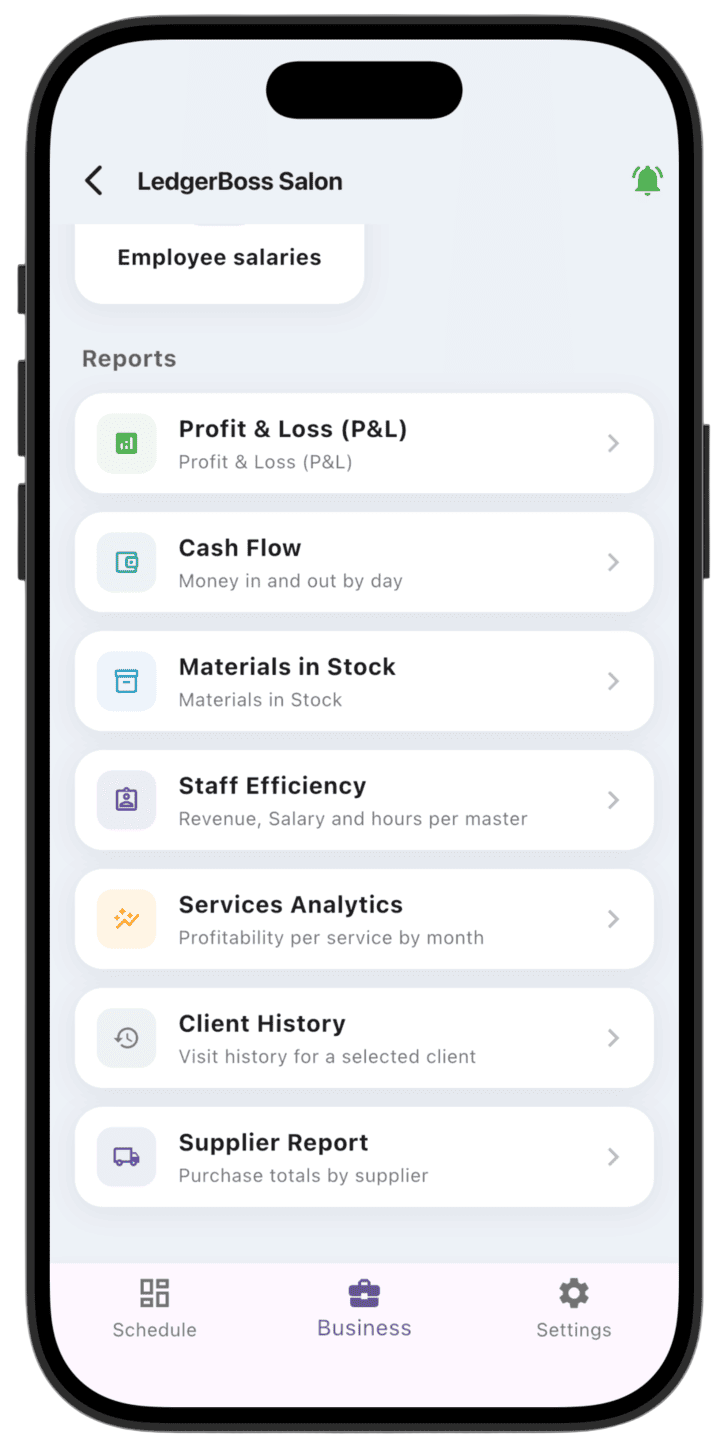
Profit & Loss report
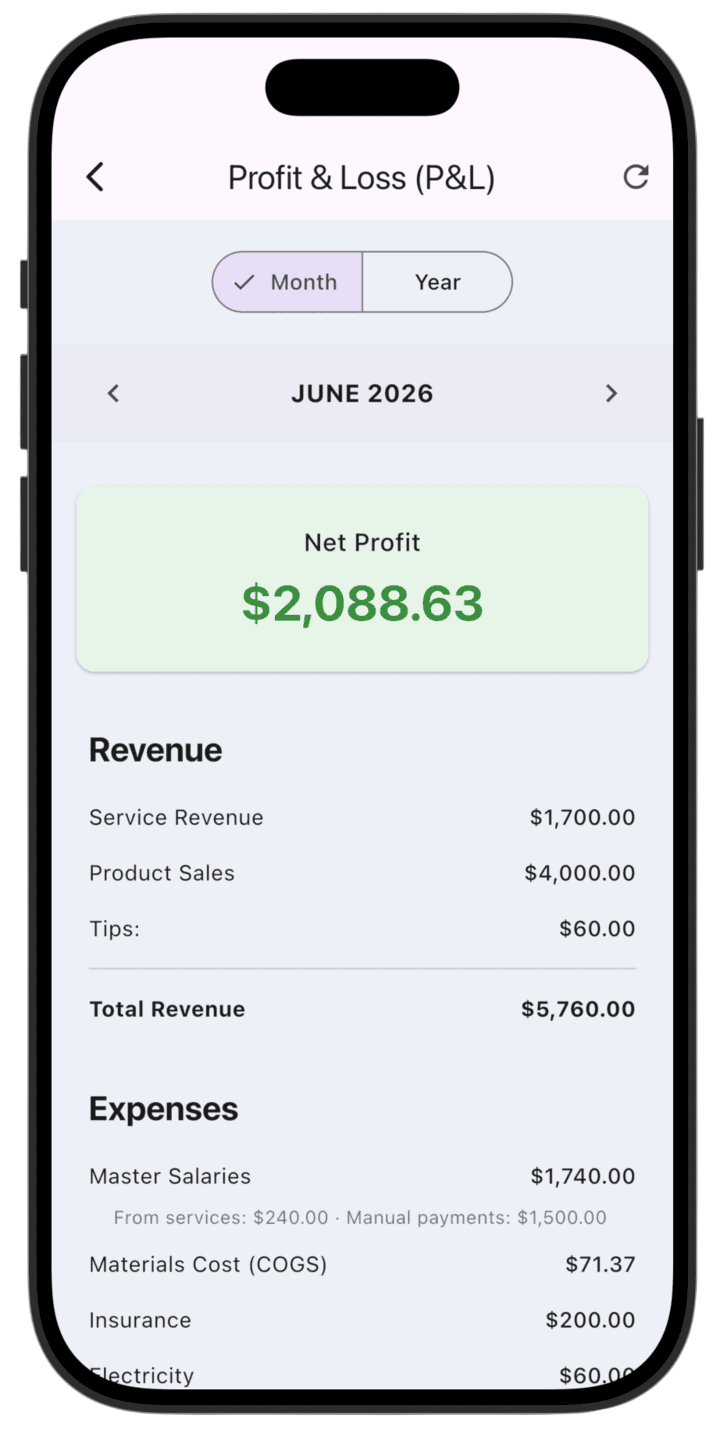
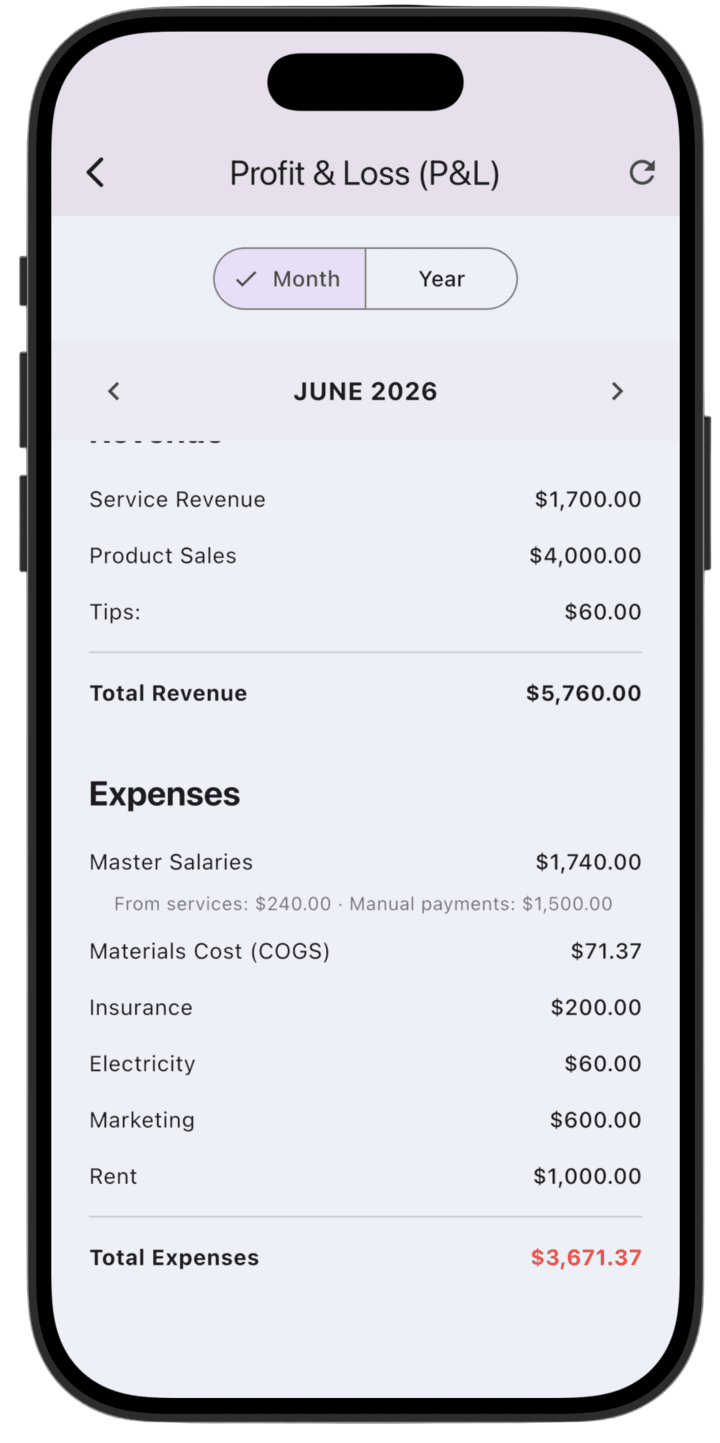
The Profit & Loss report is your main tool for assessing business financial health. It shows how much you earned and spent in the selected period so you can see net profit.
What the report shows
- Net Profit: The final amount left after deducting all expenses from total revenue.
- Revenue: Combined income from all sources, including services, product sales, and tips.
- Expenses: A detailed list of business costs such as specialist salaries, materials, rent, marketing, and utilities.
How to use the report
- Select period: At the top, switch between Month and Year to analyze short-term results or annual trends.
- Navigation: Use the arrows on the month line (for example, "JUNE 2026") to move between reporting periods.
- Refresh data: If you changed payments or expenses, tap the refresh icon in the top-right corner to recalculate figures.
Regular review helps you make sound management decisions and find expense lines that need optimization.
Please note: this report shows demo data so you can explore LedgerBoss analytics. After you add real transactions, reports update automatically.