

Daily Close
The Daily Close report gives you a complete operational snapshot for a single calendar day: which services were completed, what products were sold, how much your team earned, what you spent on supplies, and what the day's bottom line looks like.
It's a handy tool for wrapping up your day: quickly cross-check revenue, payroll, and cost of goods, and drill down into any specific appointment or sale when needed.
Who Can See This & What's Included
- Access: Owner and Accountant. This is a financial report (PREMIUM).
- Services: Only completed appointments (actively closed, no cancellations or reversals).
- Sales: Active product sales for the day (voids and reversing documents are excluded).
What's in Each Row
Sorted chronologically. Tap any row to open the appointment card or sale details.
Daily Totals
- Service Revenue — total from completed services
- Product Revenue — total from product sales
- Total Revenue — services + sales (in "All" mode)
- Tips — shown separately and not included in "Day Result"
- Daily Staff Pay — service wages + sales commissions
- Service Supplies and Cost of Sales
- Day Result = revenue − staff pay − supplies (tips are neither subtracted nor added)
Team Breakdown
Below the daily total, you'll see cards for each staff member involved: their service revenue, product sales, service wages, sales commissions, and total payout for the day.
How to Use This Report
- Pick a date: use the left/right arrows, or tap the date to open the calendar.
- Type filter: toggle between All, Services, and Sales — the list and totals update instantly.
- Staff filter: choose "All Staff" or a specific team member to see only their activity and recalculated totals.
- Refresh: tap the refresh icon in the header to reload the day's data.
- Drill down: tap any service or sale row to open the source document.
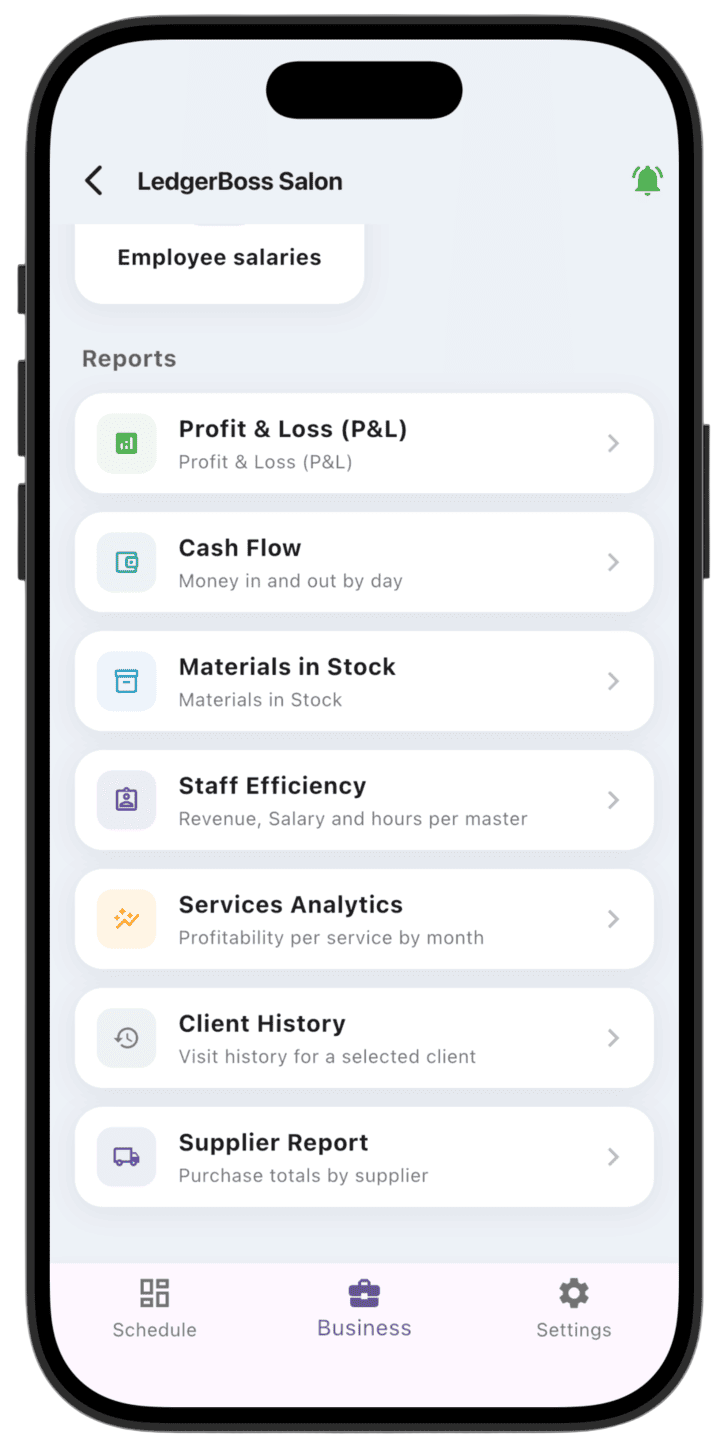
How This Differs from P&L and Cash Flow
- Daily Close — an operational snapshot of a single day: completed services and sales, right here, right now.
- P&L — the full financial picture for a month or year, including expenses, payroll, and complete profitability.
- Cash Flow — actual money movement (when cash came in or went out).
Note: in demo mode, the report may show sample data. Once you start completing real appointments and making sales, the numbers will update automatically.